
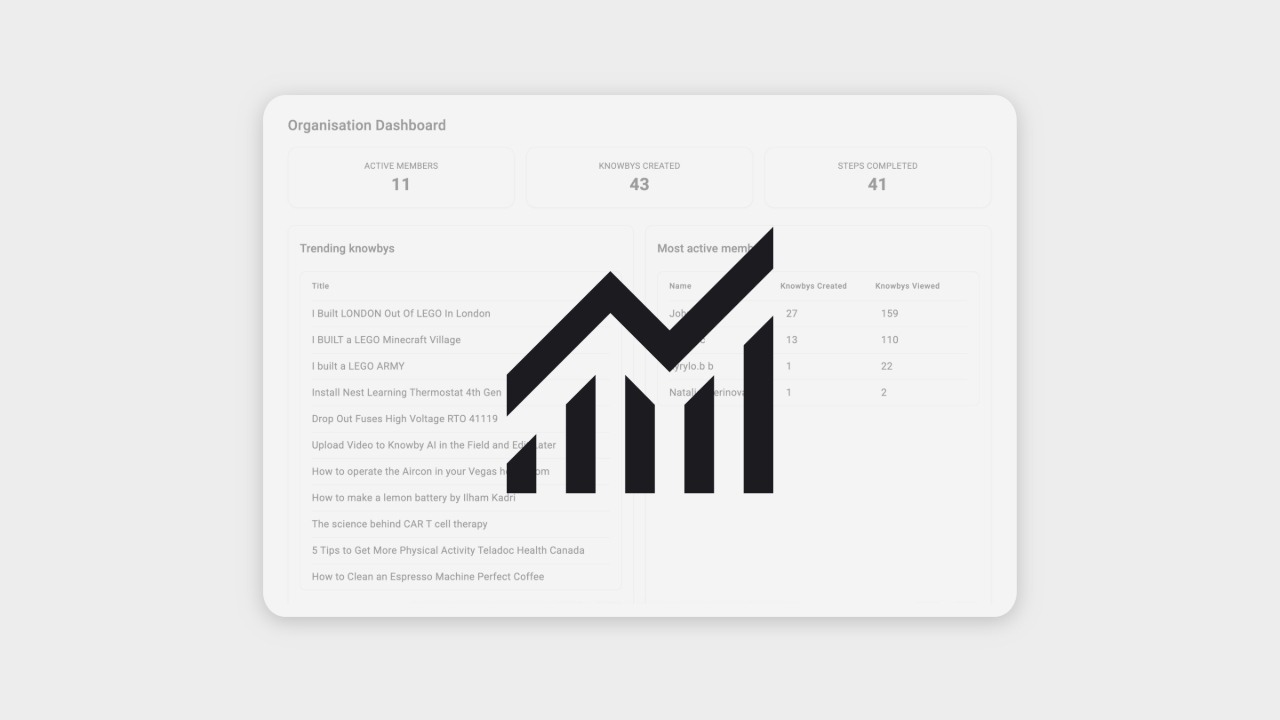
To access Reporting from Knowby Pro, click the new Reporting icon in the top header (next to notifications and settings), or go to knowby.pro/reporting
Note: Reporting is available only to Admins and Organisation Owners on desktop devices.
The interface is split into two sections:
- Navigation panel on the left
- Analytics content on the right
In the Dashboard tab, view high-level data and click on any knowby or member to access detailed insights.
If a table has more than 20 entries, use the left/right arrows pagination to scroll through the pages.
Click the calendar icon to set a custom date range and filter data accordingly.
In the Knowby or Member tabs, use the dropdown list to select any knowby or member from your organisation.
To export data, click the download icon at the top right of any table to save it as a CSV file.
Use the Avatar menu in the top-right corner to change the theme or log out.
To return to Knowby Pro, click “Go to Knowby Pro” from the Avatar menu or the Knowby logo in the top-left corner.