
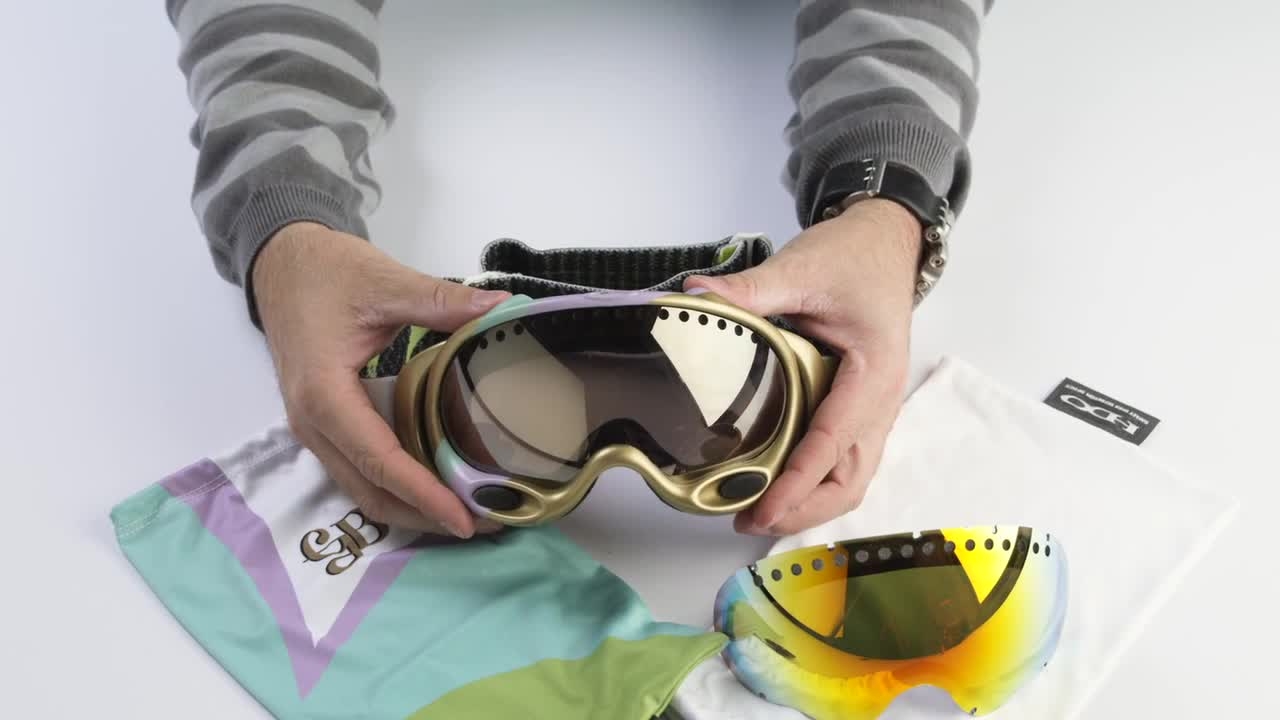
Changing the lens on Oakley A Frame Goggles
In this knowby we're going to be showing you the lens removal and lens installation process for the Oakley A-Frame Gretchen Blyler Signature Series goggles.
In this knowby we're going to be showing you the lens removal and lens installation process for the Oakley A-Frame Gretchen Blyler Signature Series goggles.
1
Step 1 of 7In order to remove the lens, what you're going to do is take it with both hands inside of the frame, nice firm grip, and simply pull the frame back away from the lens.
2
Step 2 of 7Do that all the way around to where the lens comes out.
Then you're going to take your new lens and as you can see there's a connector point all the way around the lens.
3
Step 3 of 7Each one of those fits into a track system within the goggle.
4
Step 4 of 7Go ahead and put one side in first, switching it around.
5
Step 5 of 7Now that you have the lens in on the sides, go ahead and work all the way around the lens making sure that each one of those points fits and snaps it into place.
6
Step 6 of 7With your thumb, go ahead and push up into the nose bridge connecting the last couple of points. Now that your lens is in, go ahead and take your micro bag, give it a nice, good clean, getting rid of all the fingerprints, smudges.
7
Step 7 of 7Once that's done, your lens is in place and you're ready to shred.