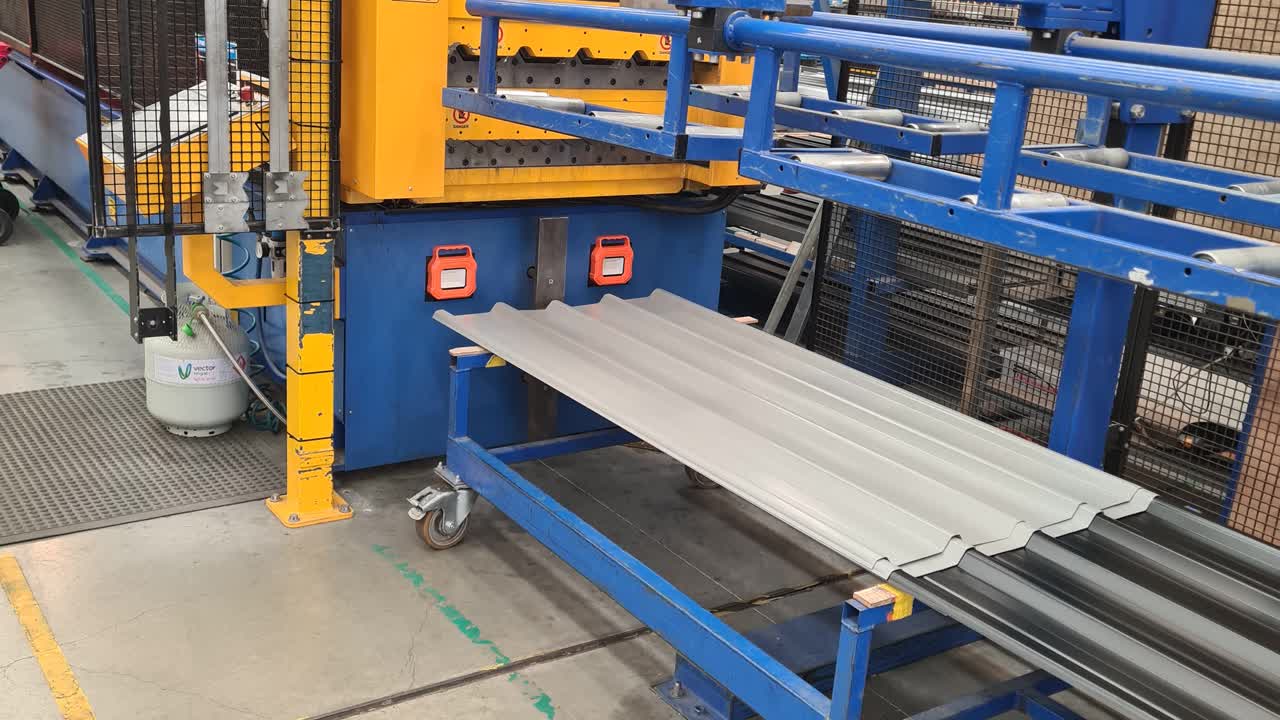
Before loading ensure that rollers 13,14 and 15 are set to coil type ( RED indicates .55 and BLACK indicates .40 material ) N.B. These are starting points some adjustmeants maybe required to acheive cover.

Once done RESET buttoen will need to be pressed ( This process will have to be done everytime you open the SAFETY CAGE )

Before loading set INFEED to 00000 ( This is the underside adjustment and will be after coil is loaded )
Unravel coil enough to insert into infeed
Coil can be feed either by the red foot pedal or yellow remote.
Before running make sure the coil is postioned into the guides before continuing
Adjust infeed as shown ( tighten till a bubble appears the slowly loosen to when the coil becomes flat )
Once infeed is set continue to feed the rollformer using the remote
Before feeding through the guillotine you will have to press RESET button and turn the pump on ( this is because of step 6 )
Run aprox 300mm out and cut, this is normally no good as tape is often attached and dispose.
Next enter required lengths and quantities as per sales orders ( the unit fully touchscreen )
Select with line to run, select out then press run. ( rollformer wil not run if no in AUTO mode )
Once 1 sheet has been run, check cover ( needle should not be ouside the outer lines ) and length, if cover is out then adjust accordingly and likewise with length.
Next is checking the pan for ripples/bubbles, turn lights on and veiw down from the end and make sure the pan is flat, if fine then turn lights off. ( this process will have to be done on every coil change )
When order is finished you will have to slit the coil ( there is still 8m of runable steel in the rollformer so try to cut before you run the last sheet to prevent wastage )
Last rewind coil package and remover ready for the next one.