Knowby
Clarendon
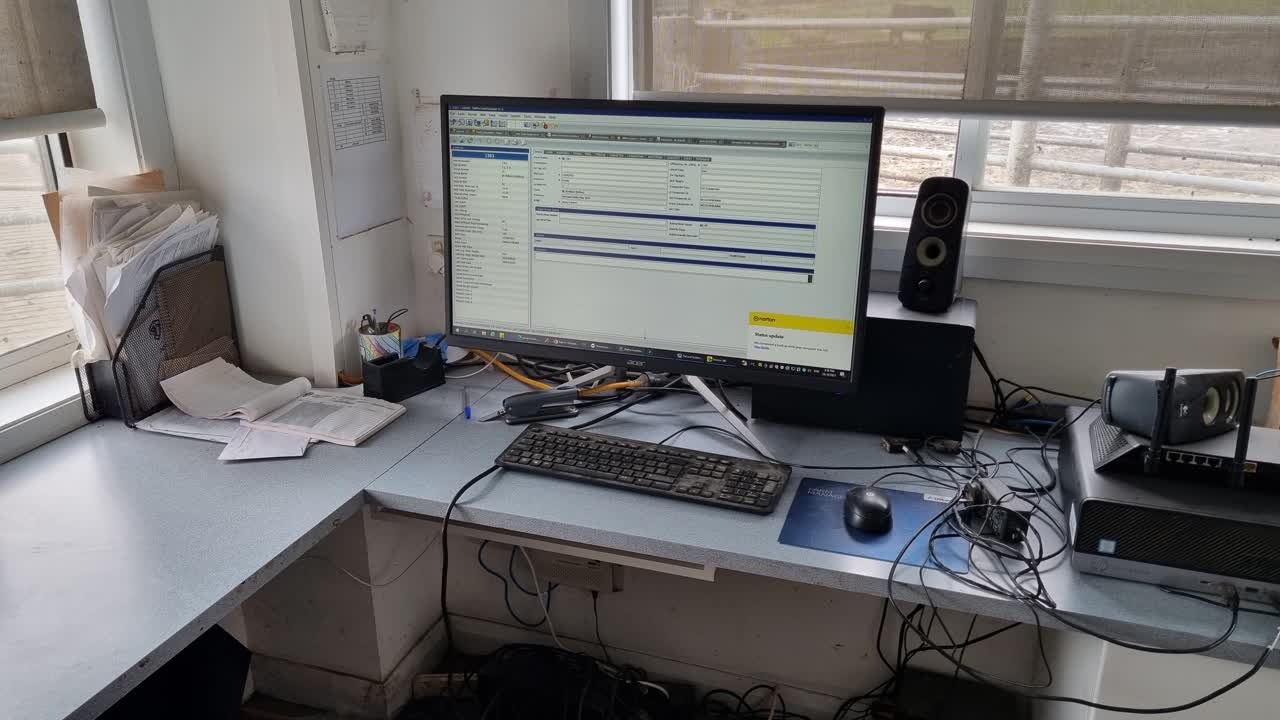
How to draft a cow - Delpro
How to draft single cows on Delpro
How to draft single cows on Delpro
1
Step 1 of 5
On the dairy office computer, click the mouse on the white window, top left side of screen
2
Step 2 of 5
Type in the number of the cow you want to draft, push enter. Confirm the right cow is in blue box.
Note- the number lock button is often on, and must be off to type numbers.
Note the cow number must match her screen number, which is sometimes different to her ear tag number.
3
Step 3 of 5
Click on animal status
4
Step 4 of 5In the sort cow row, add in the days, session number and sort area that you want. Main yard is drafting to the right. Holding pen is drafting to the left.
5
Step 5 of 5When you are certain you have the right cow, days, session, and sort area, then click the save and close button. Provided the draft gate is in auto, the cow should draft as entered.