WideTrac - Run Belt Calibration
This Knowby will run you through step by step on how to Run Widetrac Belt Calibration
This Knowby will run you through step by step on how to Run Widetrac Belt Calibration
1
Step 1 of 7With hydraulics connected and engaged, set tractor to operating RPM and flow to at least 60L/min
2
Step 2 of 7Turn on the controller
3
Step 3 of 7
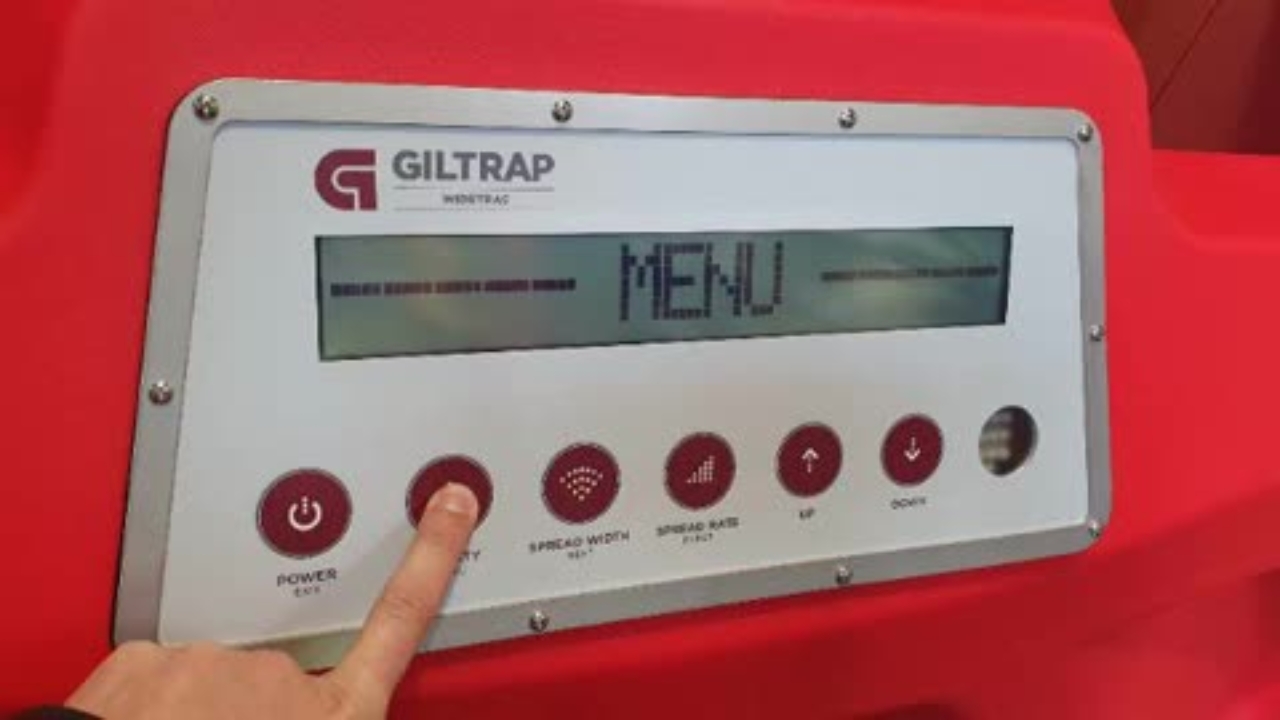
Press and hold the "Density" button until the "MENU" screen disappears
4
Step 4 of 7
Use the up arrow to navigate through the menu until "Belt Cal" is shown
5
Step 5 of 7
Press the "Spread Rate" button to enter the Belt Calibration menu
6
Step 6 of 7After the steps are shown on screen, press the "Spread Rate" button to start belt calibration
7
Step 7 of 7Belt Calibration should be done with an empty bin, before using the machine on a different tractor