
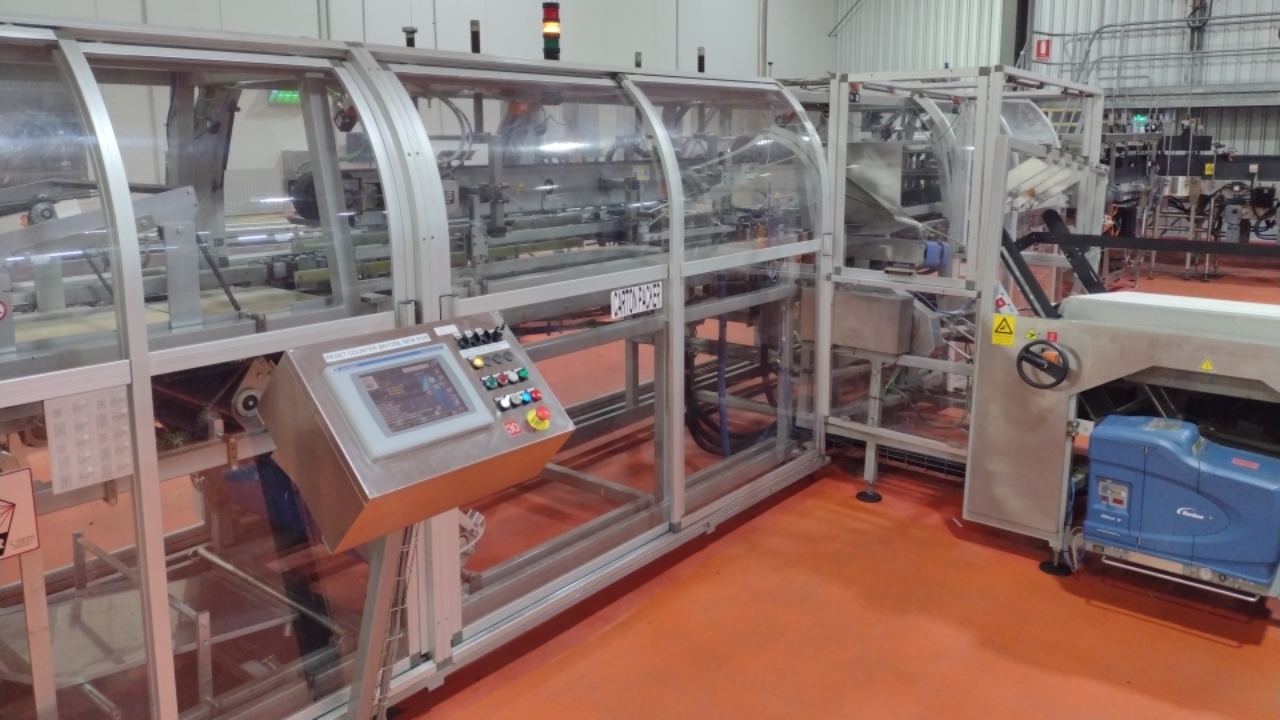
Baumer, adjust glue shots
Adjustment of glue shots on Baumer Packer.
Adjustment of glue shots on Baumer Packer.
1
Step 1 of 4
Log in to machine using 'Baumer 01' or 'Baumer 02'
See your supervisor if you do not have access password.
2
Step 2 of 4Open glue shot adjustment page by going : Formats > Phases > then select shot to change.
3
Step 3 of 4
Select either Lower Glue, Upper Glue or Flap Glue Spray to change
Run a carton through and check change is correct.
Make further changes as required.
4
Step 4 of 4
Once happy with the changes press the Save button at bottom of screen.
This will save changes for next time. Do not save if change temporary.