
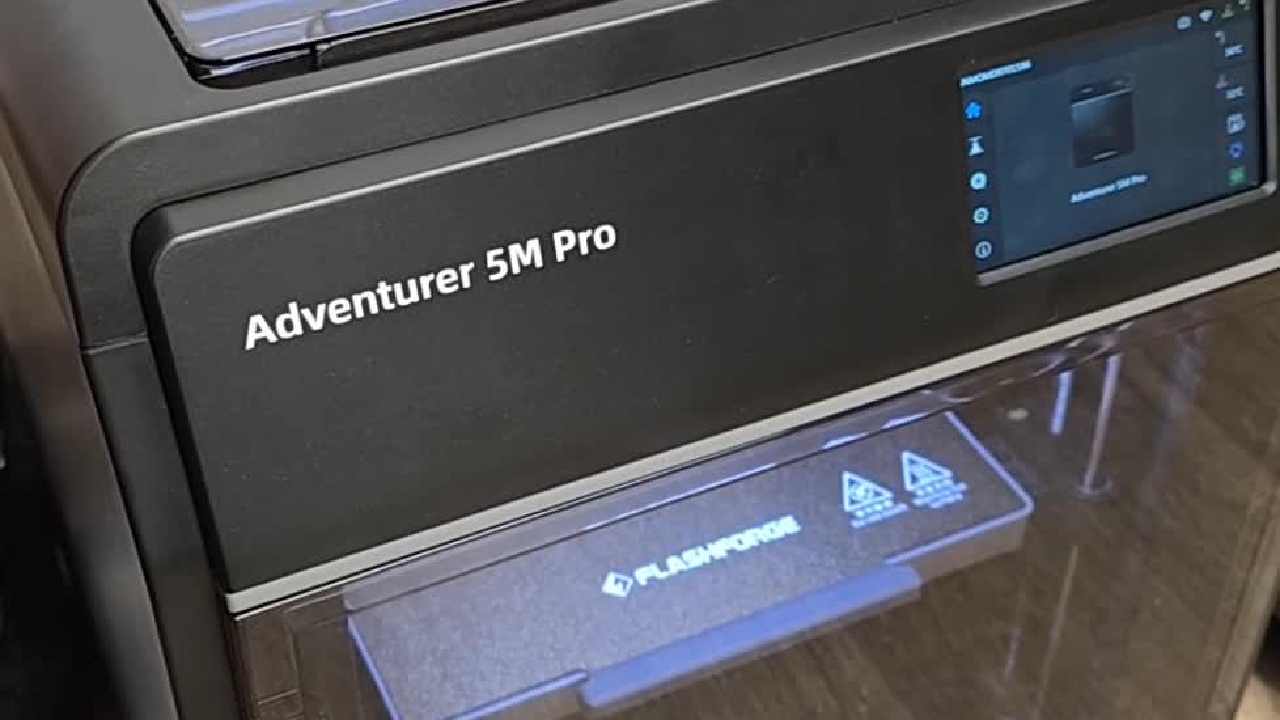
Making Magnumstone 3D print samples
This is just a quick video to show how to set up the 3D printer to print Magnumstone block models.
This is just a quick video to show how to set up the 3D printer to print Magnumstone block models.
1
Step 1 of 16This is just a quick video to show how to set up the 3D printer to print Magnumstone 3d models.
2
Step 2 of 16So first of all, it's powered on using the button here.
3
Step 3 of 16Just look over the back to check that the filament has enough filament on it for the print you're trying to do.
4
Step 4 of 16Then open the front, take out the magnetic PEI build plate.
5
Step 5 of 16Check it's got no remaining print material on it.
6
Step 6 of 16Once that's all cleaned off, put it back in. It's just magnets back and sits back into these two little clips at the end in each corner.
7
Step 7 of 16Once that's in there, confirm the filament's in there.
8
Step 8 of 16Use the little print table beside it.
9
Step 9 of 16These are the lists of MagnumStone blocks to print. Once the one's been selected, on the menu select the little icon second down from the top.
10
Step 10 of 16On the left hand side, the one I want to print is a half block top.
11
Step 11 of 16I'm going to find the half block top file, select it, press the little green icon and it's starting to print.
12
Step 12 of 16It's going to reset by sitting on the bottom, then it's going to heat up and then it's going to start printing.
13
Step 13 of 16The progress is on here and then you'll see it come to completion.
14
Step 14 of 16It'll make a sound and you can clear it off. Once that's done, print and repeat. Cheers.
15
Step 15 of 16
Remove any support structures using clippers, deburring tool or a knife.
16
Step 16 of 16
This is what the finished block looks like with support structures removed.