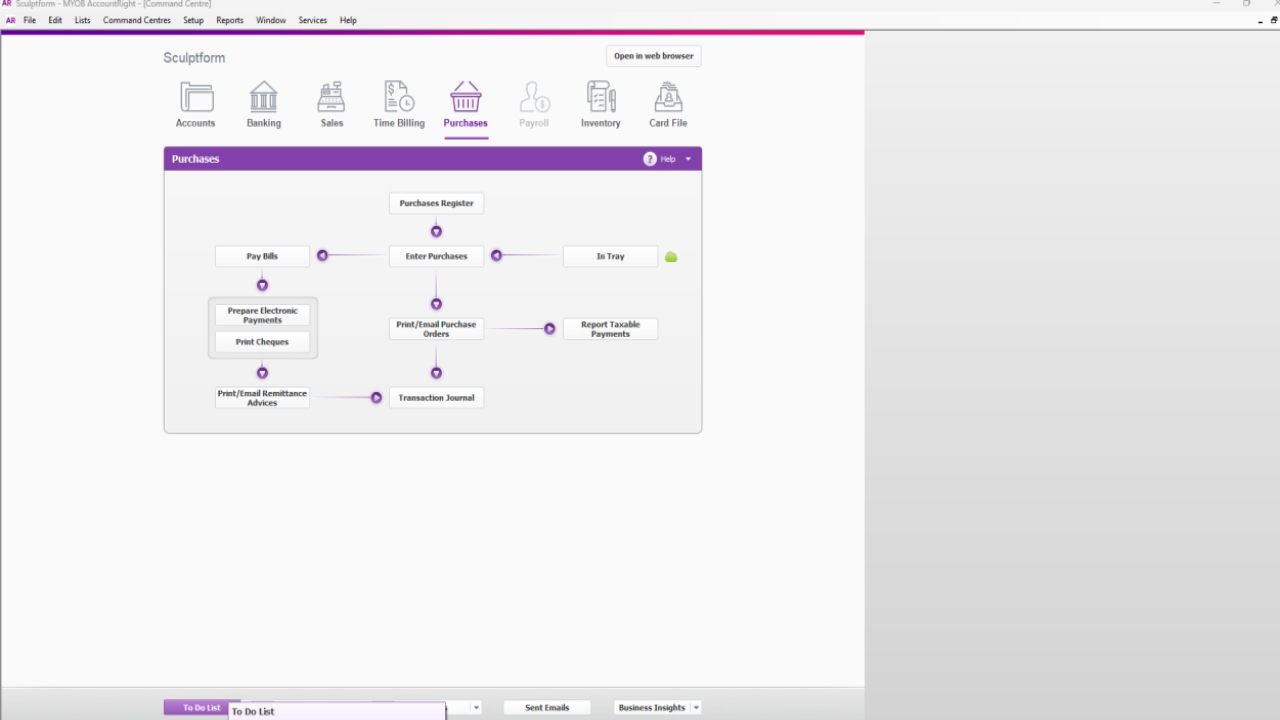

Go to – To Do Lists (Click)

Click Accounts Payable
Tick payments as per due date E.g. if you are doing payment on 23.10.2024 then select the payment due date invoices until 23.10.2024
Click on Pay Bills

Check current date then press OK

Then go to Banking & click Prepare Electronic payment

Tick All to create an ABA file

• • • • •
Tick All to create an ABA file
Then go to Purchase register Search by Supplier Check the invoice you are paying & It's on closed bills Check Due date & amount Check the Bank account details
After the above procedure done click the Bank file.
Click bank file
Click bank file

Click on Bank File Press OK

Save ABA file Here - Sculptform\Finance - Documents\General\Finance\SUPPLIERS - Accounts Payable\Payment List -
ABA Files\FY2024-2025\Oct 2024
Press saved and sent the ABA file to Ken for payment.

Press saved and sent the ABA file to Sabi & Ken for payment.

After email to Ken send a remittance advice to supplier.