
Approve or request changes
When someone sends you a knowby for approval, you can review it and either send it back with comments or approve and publish it.
When someone sends you a knowby for approval, you can review it and either send it back with comments or approve and publish it.
1
Step 1 of 3Click the bell icon in the top bar to open Notifications. Click the sent you a knowby for approval notification to open the knowby.
2
Step 2 of 3If something needs fixing, click Request changes in the top bar. Write what should change in the Comment field (it's required) to send the knowby back to its author, or click Cancel to close the dialog.
3
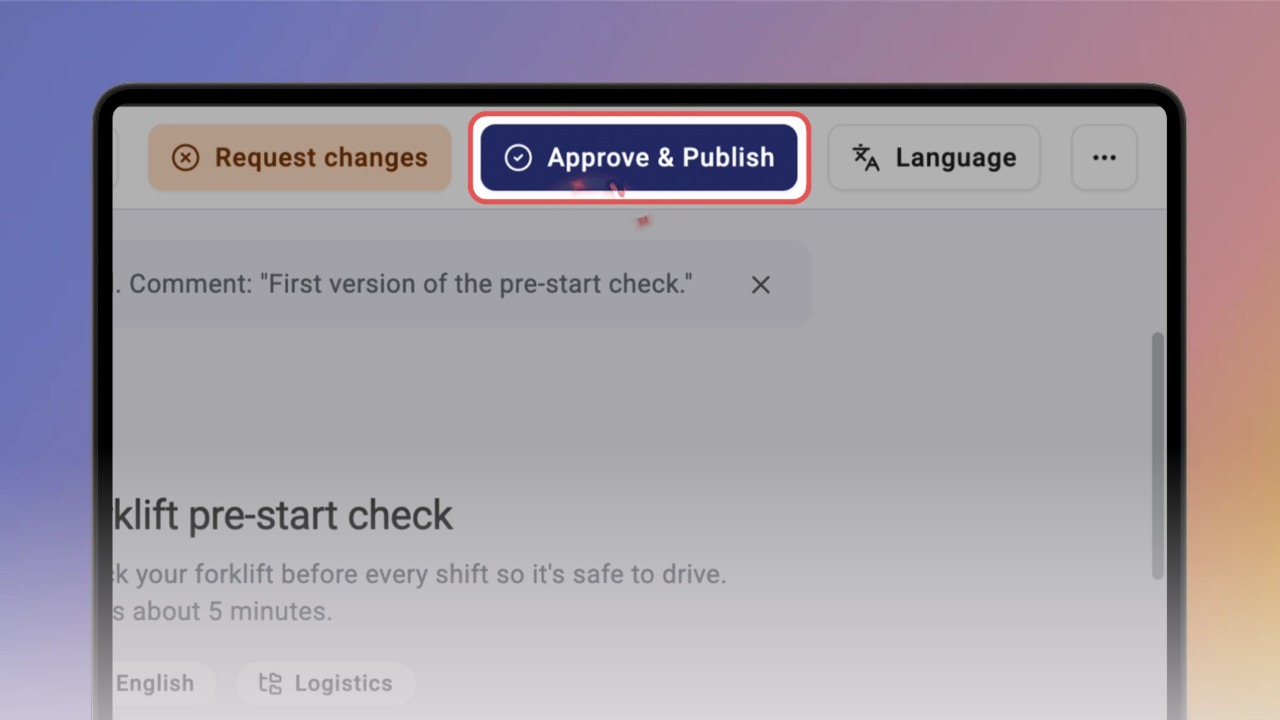
Step 3 of 3If the knowby is ready, click Approve & Publish in the top bar. Add an optional comment and click Publish. A message confirms the knowby has been approved and published.