
Create and manage categories
Set up the categories your organisation uses to group knowbys, so people can filter and find the right guide faster.
Set up the categories your organisation uses to group knowbys, so people can filter and find the right guide faster.
1
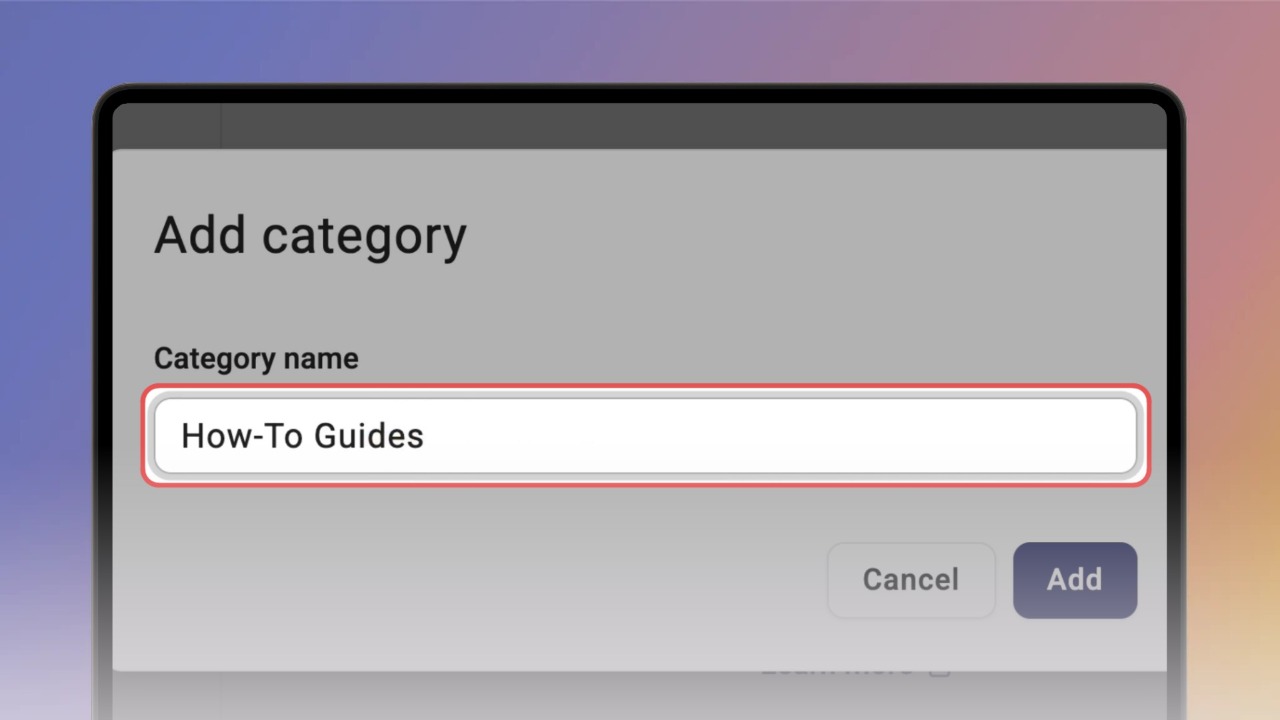
Step 1 of 2Open Settings (⚙) in the top bar, select Categories and click Add category. Enter a name and click Add.
Good to know: Only Admins can create and edit categories.
Tip: Think of a category as a label for related guides — for example, Onboarding, HR, Sales or IT.
2
Step 2 of 2Your category appears in the list. From here you can add a subcategory (+), edit it or delete it. Subcategories can be nested as deep as you need.
Good to know: A subcategory works like a regular category — it can be selected on its own, without its parent. To put a knowby into a category, see “
Assign a category to a knowby ”.