
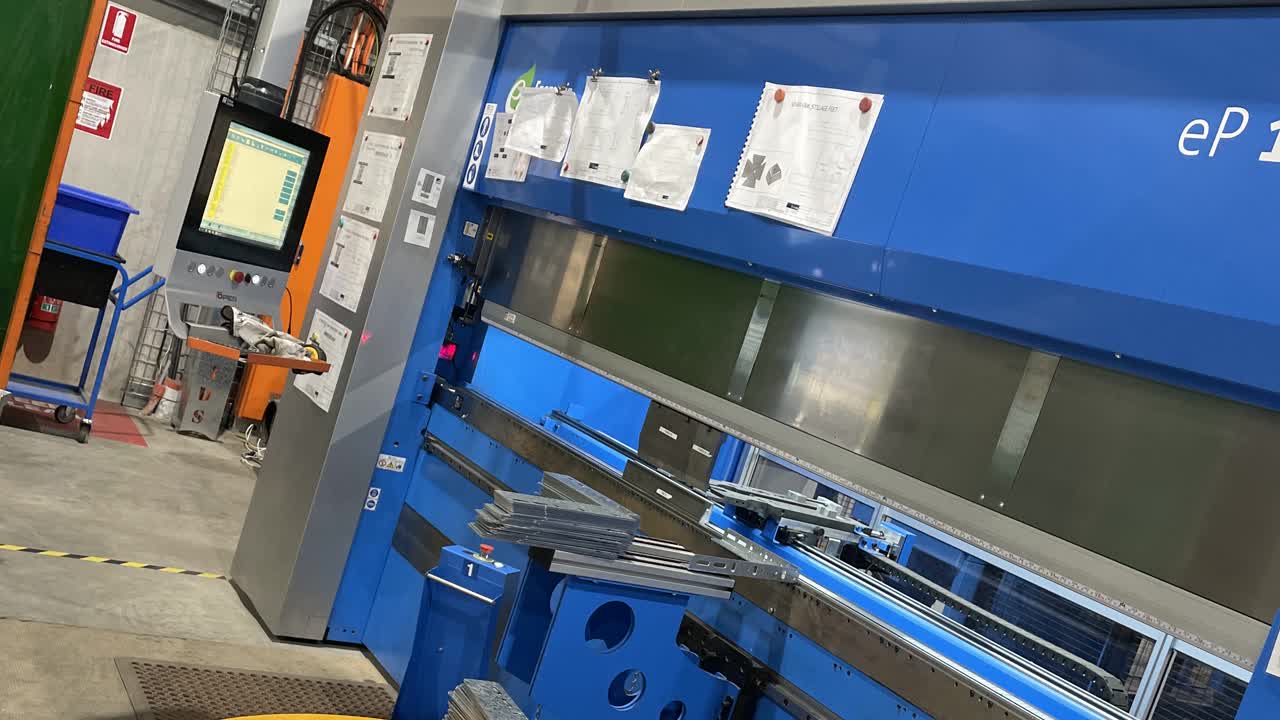

Personal Protective Equipment (PPE). Gloves and Safety Glasses. If you don’t already have a pair of gloves or safety glasses, please see the store person.

QA Sheet. You will find a QA sheet at the machine, if there is no QA sheet there, see the team leader or production. A QA sheet will need to be completed at the start, throughout and, at the end of the day.
No tools required.
Turn main isolator switch to ON (left side of machine).
Lock in the tool and reset.
Wait approx 30 secs until the button starts flashing and then press the blue Reset button (at the back, left side of machine).
Press the top Clamp Engage button and the reset button on control panel.
Press the Manual button, second from left [with the 'barrel and hand' icon] at the top of the screen.
Press the Back Stop Calibrate button and wait until the back stop has stopped moving before proceeding.
Tap the yellow UP pedal once and the top tool will travel up, wait until the tool is fully up before proceeding.
Once the top is all the way up, hold down the down pedal until the arrows align, as shown.
Press 'Repeat Calibrate' on the screen, tap the yellow UP pedal once to calibrate the top tool, wait until the top tool is fully up before proceeding.

The blue lights mean everything has been calibrated.
Select program folder and find your program.
Select your program, press load program, then click auto then start.