
How to Reset Your Knowby Password
Use this process if you have forgotten the password for your Knowby account. Please note that this process only applies to accounts created with a standard email and password.
Use this process if you have forgotten the password for your Knowby account. Please note that this process only applies to accounts created with a standard email and password.
1
Step 1 of 6
To recover your password, enter your email into the field on the initial login screen and click Continue.
2
Step 2 of 6
Once you are on the next screen, click on the Forgot your password?
The link located next to the ‘Password’ label, to start the reset procedure.
3
Step 3 of 6
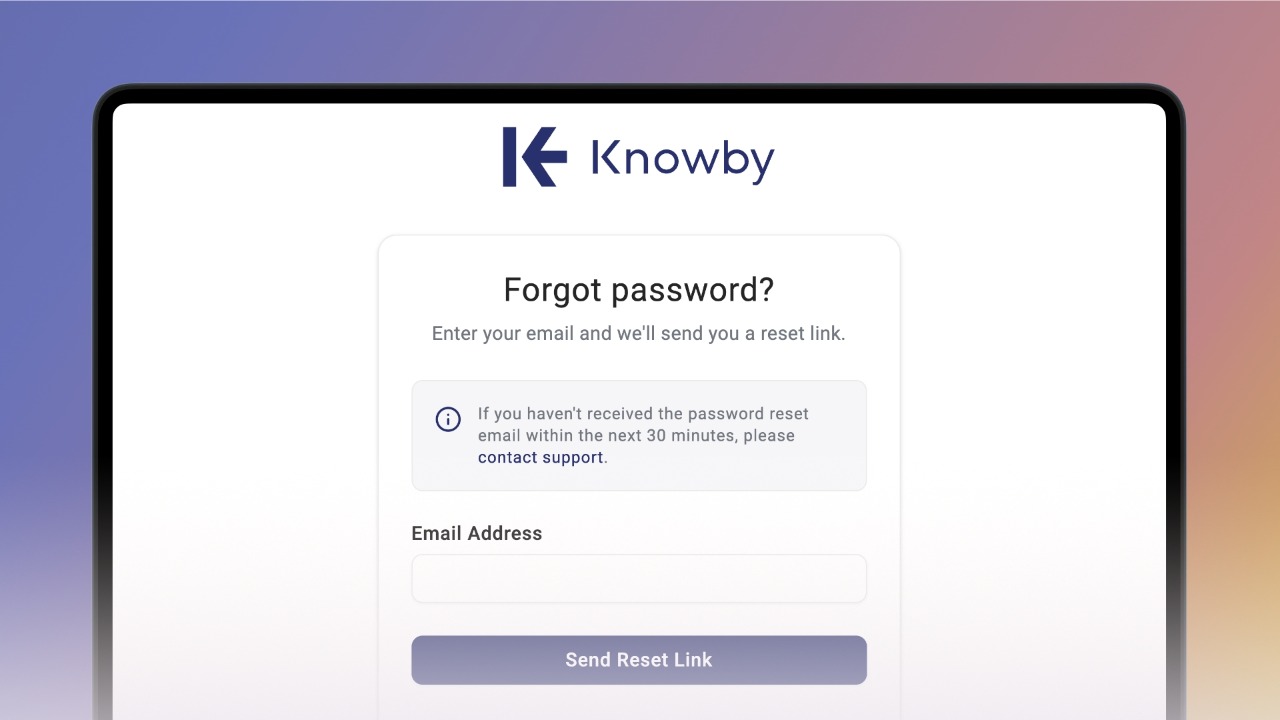
Enter your email address and click Send Reset Link.
Note: SSO users (Google, Microsoft, Apple) manage passwords via their own provider and do not need to perform this reset.
4
Step 4 of 6Open the reset email from Knowby (check your Spam folder if it hasn't arrived).
Click the Reset Password button inside the message.
5
Step 5 of 6
Enter a new password and confirm it, then click Reset password button.
6
Step 6 of 6
Your password is now updated. Click Back to Log in to access your account with your new credentials.