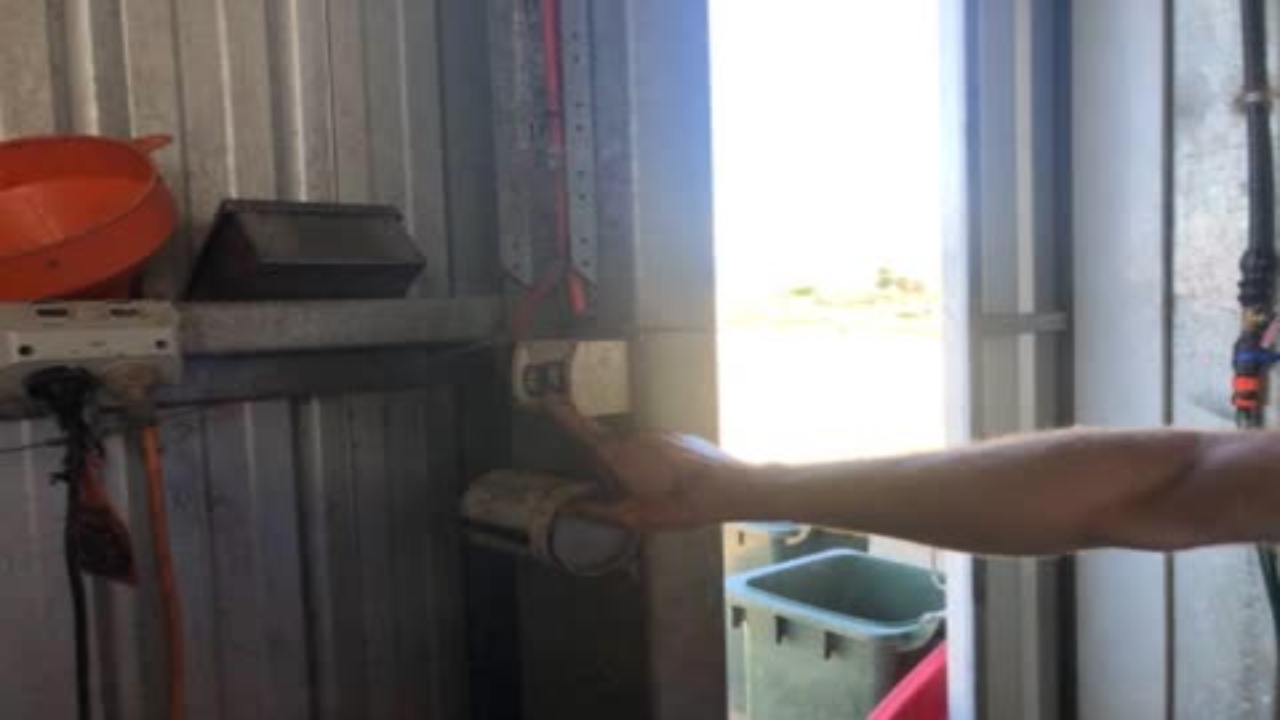

Light switches are just in the door on the right hand side as you come in

Ensure wash has completed

At the cups on pedestal, make sure all 3 red emergency stops are pulled out on BOTH sides of the cups on panel. Twist them, and they should pop out.

Push the platform start button.

And make sure the feed switch has turned to the right on.

Push F443 enter, 1 enter. Grain should come out of schute, into grain bin
Push 2 enter and minerals should come out of schute.

Push the platform forward button. This should start the platform moving.

Use this dial to slow the platform to minimum speed while you do the rest of shed set up.
Unhook the milk line from the wash and let it drain like this.

Open green taps to drain filters

Undo both filter canisters

Place filters on the rack

Remove dirty filters

Clean the filter cages

Put new filters on

Make sure they are pulled past the black rubber seal

Put new filters in and make sure they are tight

Turn off green taps

Check the computer in office - look at Halter live farm to make sure all cows are at the dairy
Go out to yard entry and push all cows into the yard, then latch yard gates.
Ensure the gates are set up on the tracks for the cows to go back to the correct paddock. It is usually in the direction they have come from.
Once the cows are in the yard and the gate shut, test the draft gate to make sure its working. The control for this is just inside the office door. Instruction for how to test it are also on the wall, just above control box.
Push the M button, to out it in manaul mode. Push G1 to open rhs gate. Ensure the gate actually opens.
Now push G1 again to shut the gate for milking.

Push A and make sure it goes to auto on the screen. It must be in auto for milking
Hook up the milk hose to the vat, and open the tap into the vat. Handle in line with the pipe is on, across the pipe is off

On the wash box make sure there are no alarms signalling, like this one.

Record the alarm in the diary and push C to clear

Push the milk start button

The milk temperature will be showing on the milk temp control panel, and the cooling sysyem switch will be on.
If not, you need to follow the Knowby on vat set up after the milk truck has picked up milk.
At the milk can ( bail 50 ) pull the lever up and put it to horizontal.
At the cups on control panel, to start a Session Press F 1 Enter. The screen should say 1 at morning milking and 2 at afternoon milking.

And push this to turn the white hose pump on.
Turn this tap to turn the platform rinse on.

Hold this button in until the Backing Gate has passed the draft cutter gate.

Turn this switch to the right to put Backing Gate into auto.
Open the gate entry to the shed, like this.
Make sure you do it exactly this way so that you’re not in front of the gate when you open it. Lead cows can be very keen to enter the shed and can barge in- make sure you are out of the way!
On the first lap you must pull the cups off the jetters and then push the down button to cup up.
You are now milking!
Check Feed is coming out for each cow.

After a lap make sure there is no milk in the drain below the rotary.
If the deck is dirty or at least every fourth of fifth lap turn the deck wash on for one lap only.