Knowby
Tyre Doctor
ESI Redpath Training (Invoicing)
How to upload invoices via Redpath ESI
How to upload invoices via Redpath ESI
1
Step 1 of 3Invoices for ESI📝 - Step 1
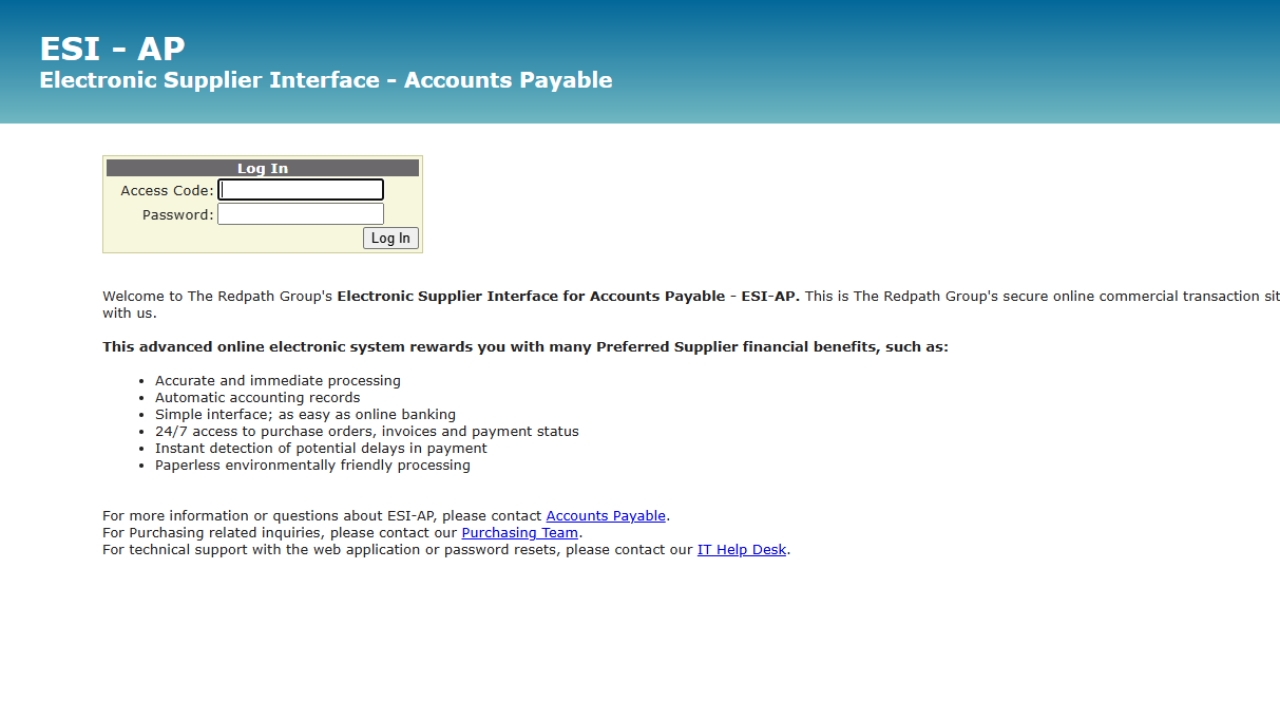
- Login into ESI - AP.
- Select the PO 'View' to Invoice.
2
Step 2 of 3Invoices for ESI📝 - Step 2
- Click on 'Enter Invoice'
i.e. Invoice will be sent out of netsuite.
2. Save PDF Version for uploading
3
Step 3 of 3Invoices for ESI📝 - Step 3
- Enter in details.
- Invoice
- Amount
- Upload PDF Invoice
2. Click Save & Submit.
Task Completed!