
Looking for a specific knowby? Use Search at the top of the screen. Type 3 or more letters — matching knowbys appear in a list as you type.
Click one to open it, or click × to clear the search.
On the Knowbys screen, switch between All knowbys and My published.
All knowbys shows every published knowby you can access.
My published shows only the ones you've published.
Click Category to filter your knowbys. Tick a category to see only its knowbys.
Use the arrow next to a category to open its subcategories.
To start over, click Clear at the bottom of the list.
If no knowbys match, you'll see No knowbys in this category.
Click Clear all filters to see every knowby again.
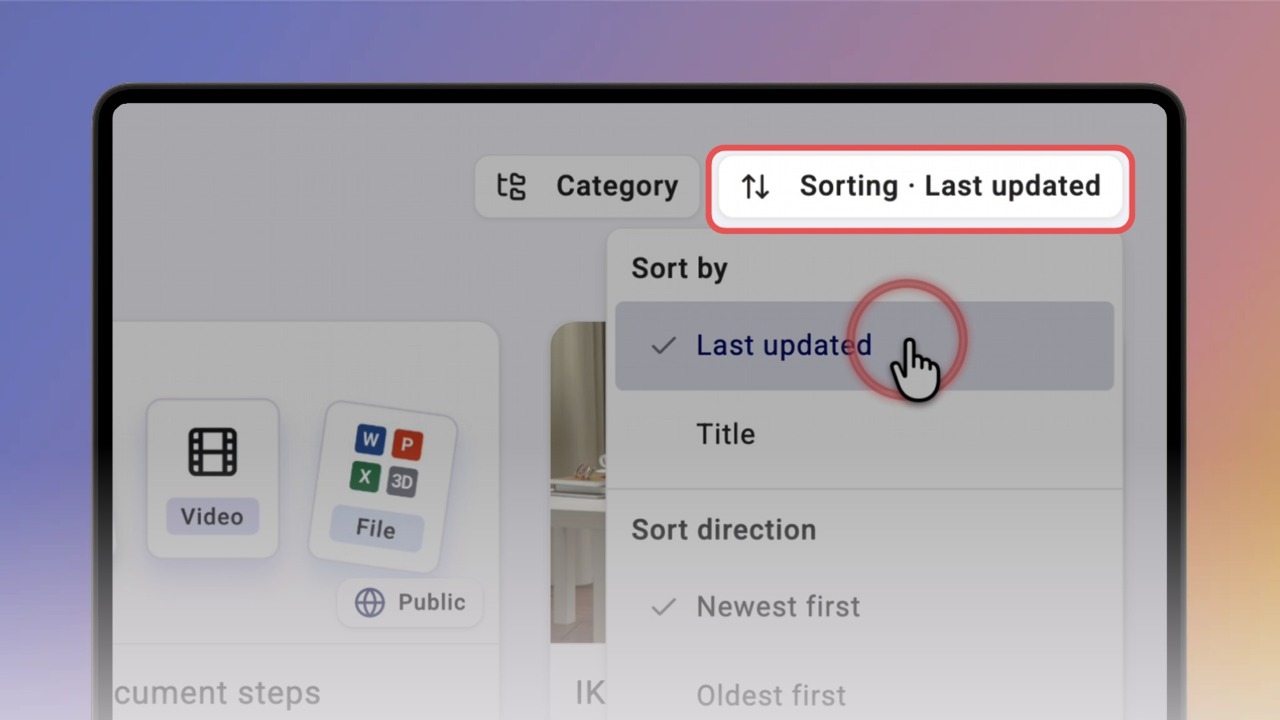
Click Sorting to choose the order — by Last updated or Title.
Sort direction follows your choice:
Newest first or Oldest first for dates;
A → Z or Z → A for titles.