
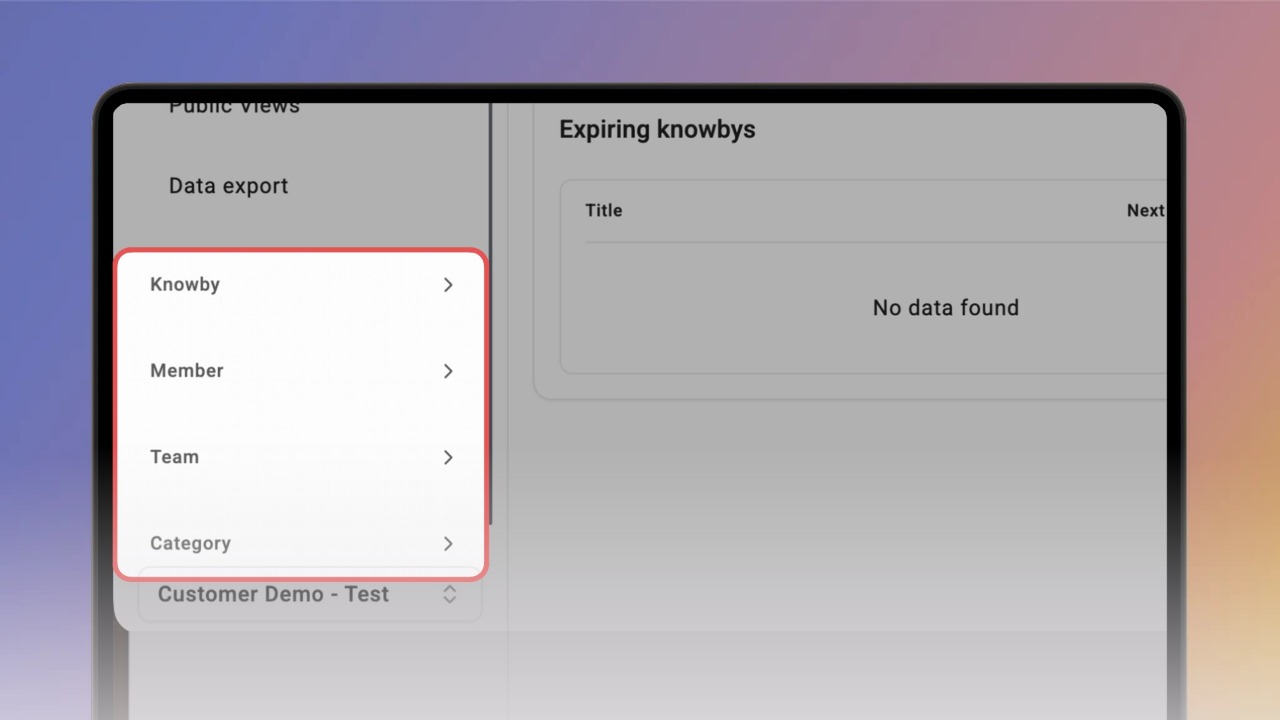
View reports for one knowby, member, team or category
See completions and views for a single knowby, member, team or category in Reporting.
See completions and views for a single knowby, member, team or category in Reporting.
1
Step 1 of 3On the Reports dashboard, expand Knowby in the left panel and click Completions. The Knowby Completions page opens.
2
Step 2 of 3Open the knowby dropdown, start typing the name and pick the knowby you want. The chart and its completion records appear for the selected period.
3
Step 3 of 3Click Private Views or Public Views to see who viewed it.
The Member, Team and Category sections in the left panel work the same way: pick one from the dropdown to see its data.