
AI step generation now works inside a knowby. Before, AI could only turn a video into a brand-new knowby — now you can drop generated steps into any knowby, including ones you've already built.
Record one video of the task, talking through what you're doing as you go — the AI works from your voice. One task per video, short pauses between actions.
Go to the Create/Edit screen and switch to the Steps tab.
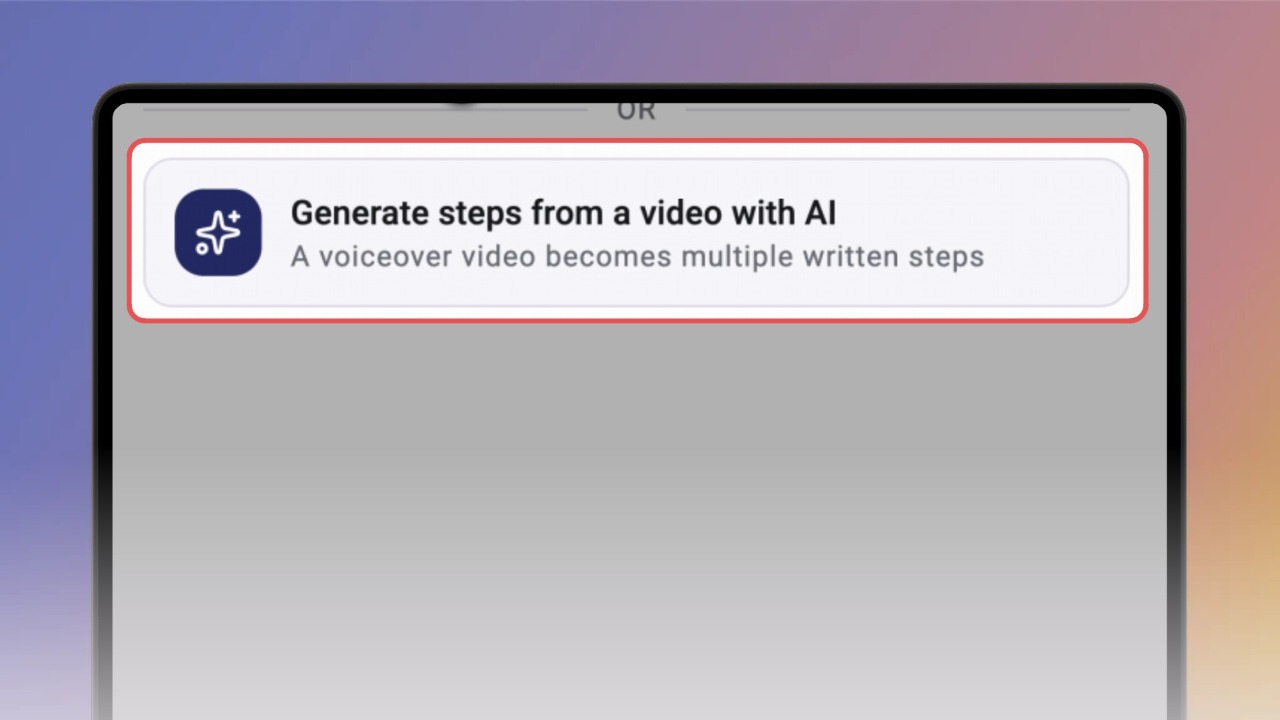
Under the upload area, click Generate steps from a video with AI. Pick your video — the upload starts, and steps are generated right after it.
You'll see "Creating steps from your video…" on screen.
Editing is paused while the AI works — for a long video this can take a few minutes.
Done — the new steps appear all at once, numbered in order. Each one has its part of your video and the text from your voiceover.
It's a solid first draft. Read each step and fix anything that's off, like on any other step.
Good to know:
Speak any language — the steps arrive in your knowby's base language automatically.
If the AI can't create steps (no clear voiceover, for example), your video isn't lost — it's added as a normal video step, and Knowby lets you know.
Generated steps are normal steps. Edit them, reorder them, share them anywhere — including public knowbys.