
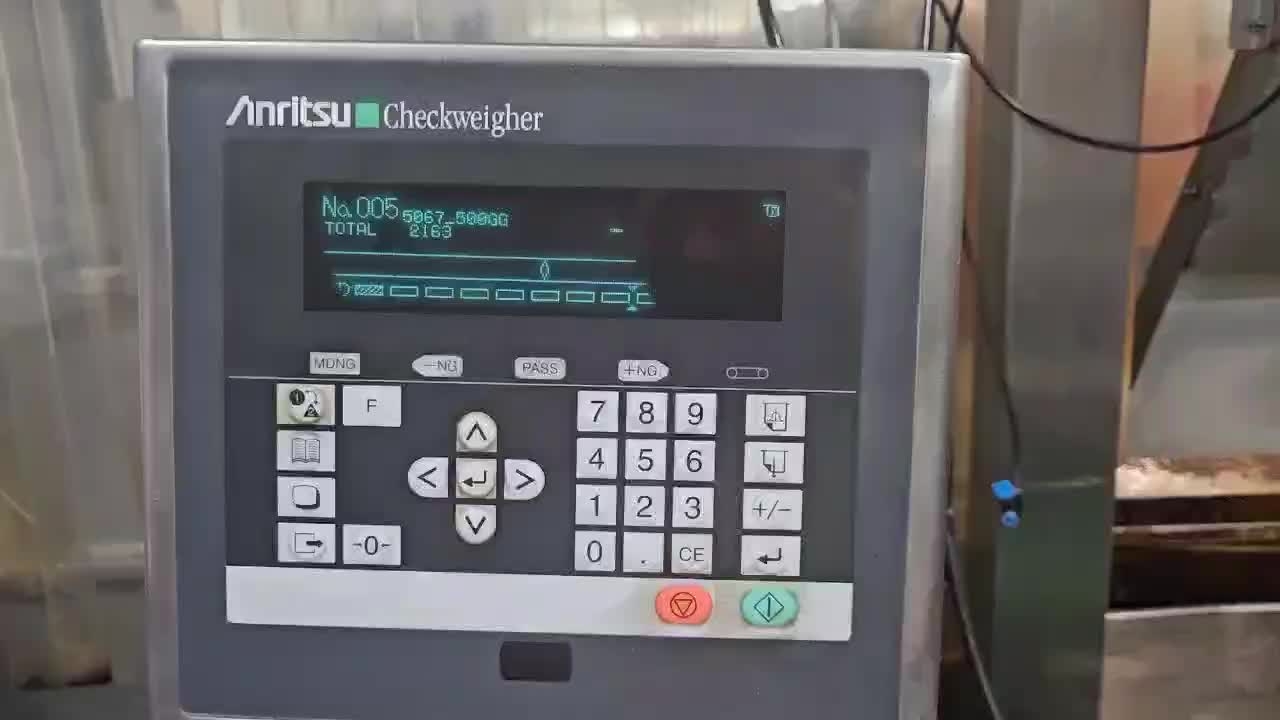

Turn on the 1262 and check that it is operating correctly.
Turn on the 1251 conveyor and the 1253 flattener, and check that they are operating correctly.

Check the main buttons on the 1238 metal detector controller.
As shown in the video, connect the power cable, then turn on the metal detector and wait until the product appears on the display
On the metal detector control panel, press the Select Product button, choose the desired product, and then press Enter. The selected product information will appear on the display.
Press the Start button to start the belt operation along with the metal detector.
To verify that the metal detector is operating correctly, the operator gets the metal test strips from the noodle tool trolley.
Note: The 1238 metal test strips are
SUS 3.0 mm / Ferrous 2.0 mm / Non-ferrous 2.5 mm, and only the specified types must be used
The operator passes each metal test strip through the metal detector along with the packaged noodles to check its operation.
When metal is detected, a red light appears on the display, and the item is moved to the metal trolley on the right side of the machine.
On the metal detector, overweight and underweight products are moved to the left with a yellow light displayed, while metal-detected products are moved to the right with a red light. Normal products are indicated by a green light on the display.
After completing the metal detector check, the operator opens I-Leader on the computer and enters any abnormalities for the product on the CCP9 form. ( Metal detector checks are conducted at the start and end of production, and then every hour.)
Note: Only operators who have received metal detector training from the QC team are allowed to perform the metal detector check and record the related data.
The CCP9 record procedure will be addressed separately.
The operator also checks that the batch and BBD information on the surface of the packaged noodles is correct, and records it in the Production Batch Number & BBD Check Record.

On the Production Batch Number & BBD Check form, verify and record the production date, item code, batch, and BBD for accuracy.