
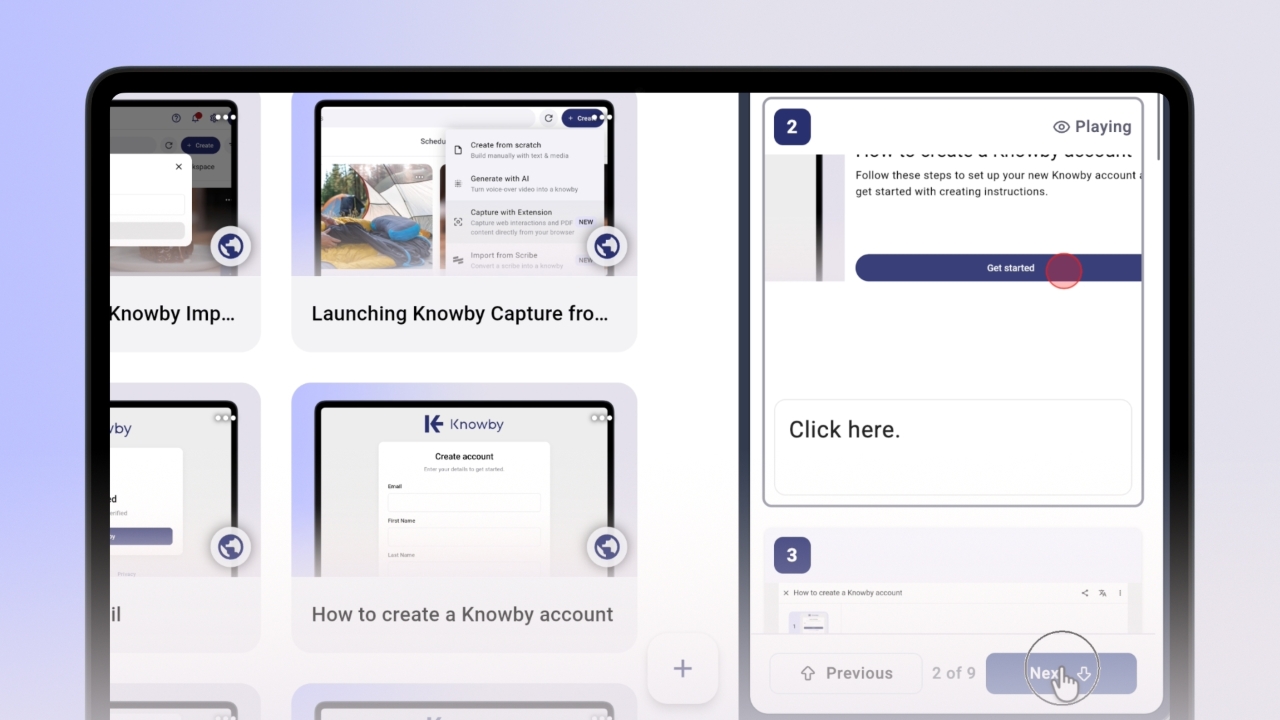
Using "Guide Me" Playback
Follow along with knowby instructions side-by-side with your browser page.
Follow along with knowby instructions side-by-side with your browser page.
1
Step 1 of 3Open a knowby that was created using the Knowby Capture extension, and click the "Guide Me" option to launch playback mode in the side panel.
2
Step 2 of 3Follow the instructions alongside your active webpage. Navigate using the "Next" and "Previous" buttons. Hover over the image of the currently playing step to use the Zoom in and Zoom out controls.
3
Step 3 of 3Scroll through the list and click on any specific step to make it active.