Knowby
Rosemount Ag
How to calibrate feed head
1
Step 1 of 8
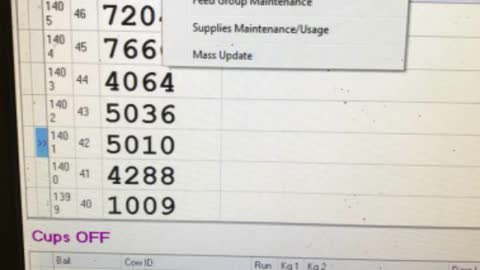
Click on feed/supplies and select setup
2
Step 2 of 8
Select which auger you’d like to calibrate. Either feed head 1 or 2.
3
Step 3 of 8
Click on run auger. Then when this window comes up press yes.
4
Step 4 of 8
Find a bucket and empty. Ensure that when bucket sits on scales it is equal to zero kgs. You can adjust by turning the knob at back of scales.
5
Step 5 of 8
Type in how many seconds you want the auger to run for. For feed head 1 - 2 seconds is good. For feed head 2. - 0.5seconds is good. DONT PRESS ENTER YET THOUGH
6
Step 6 of 8Get someone to put the bucket underneath the feed Shute above the feed bins. And ensure that the feed head your calibrating is switched on
7
Step 7 of 8
Press enter on the computer
8
Step 8 of 8Feed should drop. Come back to scales weigh how much feed dropped and type into the computer. And press enter.