
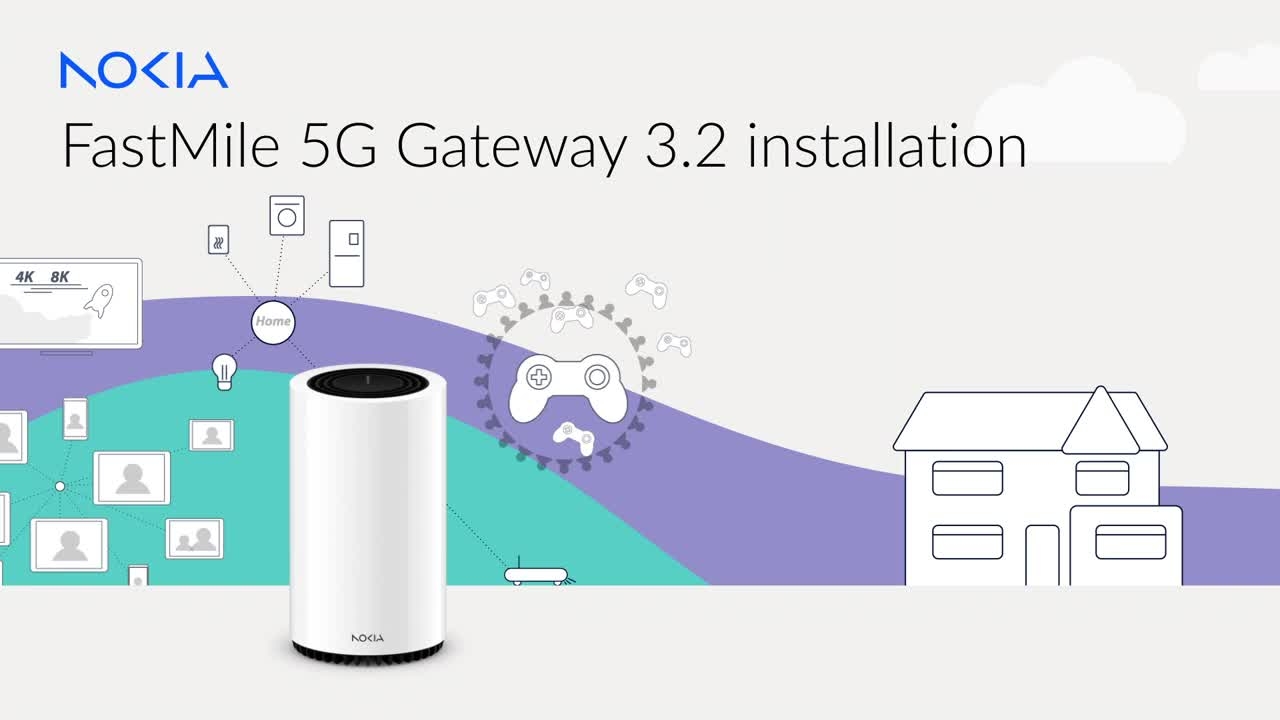
How to install your Nokia FastMile 5G Gateway 3 2
Enjoy the benefits of 5G in your home with Nokia FastMile 5G Gateway.
Enjoy the benefits of 5G in your home with Nokia FastMile 5G Gateway.
1
Step 1 of 15Enjoy the benefits of 5G in your home with Nokia FastMile 5G Gateway.
2
Step 2 of 15It's easy to install it yourself. Here's how.
3
Step 3 of 15To begin, download the Nokia Wi-Fi app.
4
Step 4 of 15If the SIM is not pre-installed, take a moment to remove the SIM tray and insert your SIM card.
5
Step 5 of 15Next, scan the Gateway QR code and turn on your Gateway.
6
Step 6 of 15The Gateway will start searching for a 5G signal.
7
Step 7 of 15The Nokia Wi-Fi app will help you find the best location for your Gateway.
8
Step 8 of 15It's also a great way to check your 5G signal strength and even onboard Nokia Wi-Fi beacons at 5G speeds in every corner of the home.
9
Step 9 of 15The signal strength indicators on the app and Gateway display the 5G quality.
10
Step 10 of 15And the Gateway's 5G light will illuminate if a 5G network is found.
11
Step 11 of 15If the screen fades, you can press the Signal Test button to bring it back.
12
Step 12 of 15A red status light indicates that the Gateway has a bad signal.
13
Step 13 of 15If that happens, simply switch off the Gateway and move it to a better position beside a window, somewhere higher, or on the other side of your home.
14
Step 14 of 15Power it up again and, if it turns yellow or green, you can connect your devices using the SSID and Wi-Fi key printed on the bottom of the Gateway.
15
Step 15 of 15Now all that's left is to sit back, relax, and enjoy everything your super-fast 5G connection has to offer.