
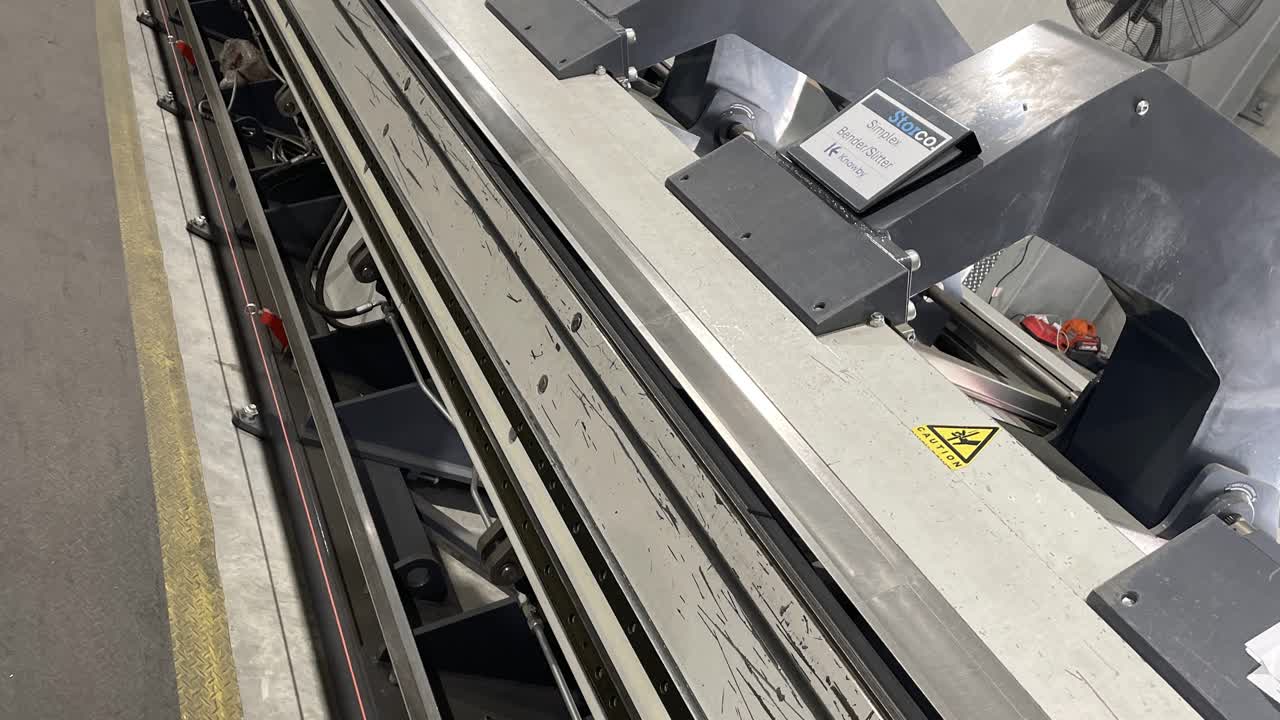

Personal Protective Equipment (PPE). Gloves, Safety Glasses. If you don’t already have a pair of gloves, safety glasses and hearing protection, please see the store person.

QA Sheet. You will find a QA sheet at the machine, if there is no QA sheet there, see the team leader or production. A QA sheet will need to be completed at the start, throughout and, at the end of the day.
No Tools Required.
How to select a program for the bender. Press the blue 'Load Job' button, then click on a folder and pick which program you need.
How to set a program for the slitter. Add the width of your sheet then add in the width you need.
Press the 'Offcut first' button then 'Start Slitter' wait for the back gauge to move.
Place the sheet in the clamp, then, using the foot pedal, bring the clamp down, then use the SLIT foot pedal to activate the slitter.