
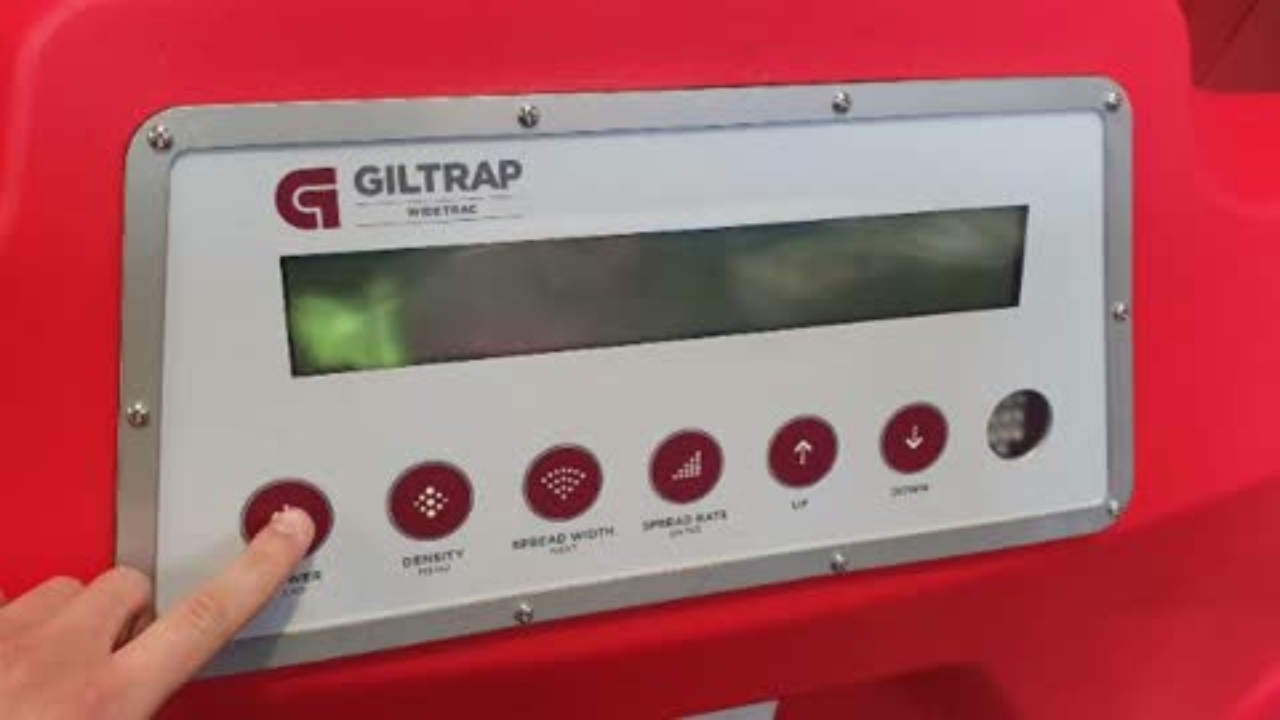
WideTrac - How to 'Manually' move Door
This Knowby will run you through step by step on how to 'Manually' move WideTrac Door
This Knowby will run you through step by step on how to 'Manually' move WideTrac Door
1
Step 1 of 5
Connect power and turn on the controller
2
Step 2 of 5
Press and hold the "Density" button until the "MENU" screen disappears
3
Step 3 of 5
Use the up arrow to navigate through the menu to "Test Gate"
4
Step 4 of 5
Press "Spread Rate" button to enter "Test Gate" menu
5
Step 5 of 5
Press and hold the up or down arrow to adjust the door height. Door will stay at selected height until controller is powered off or the spreader is run