
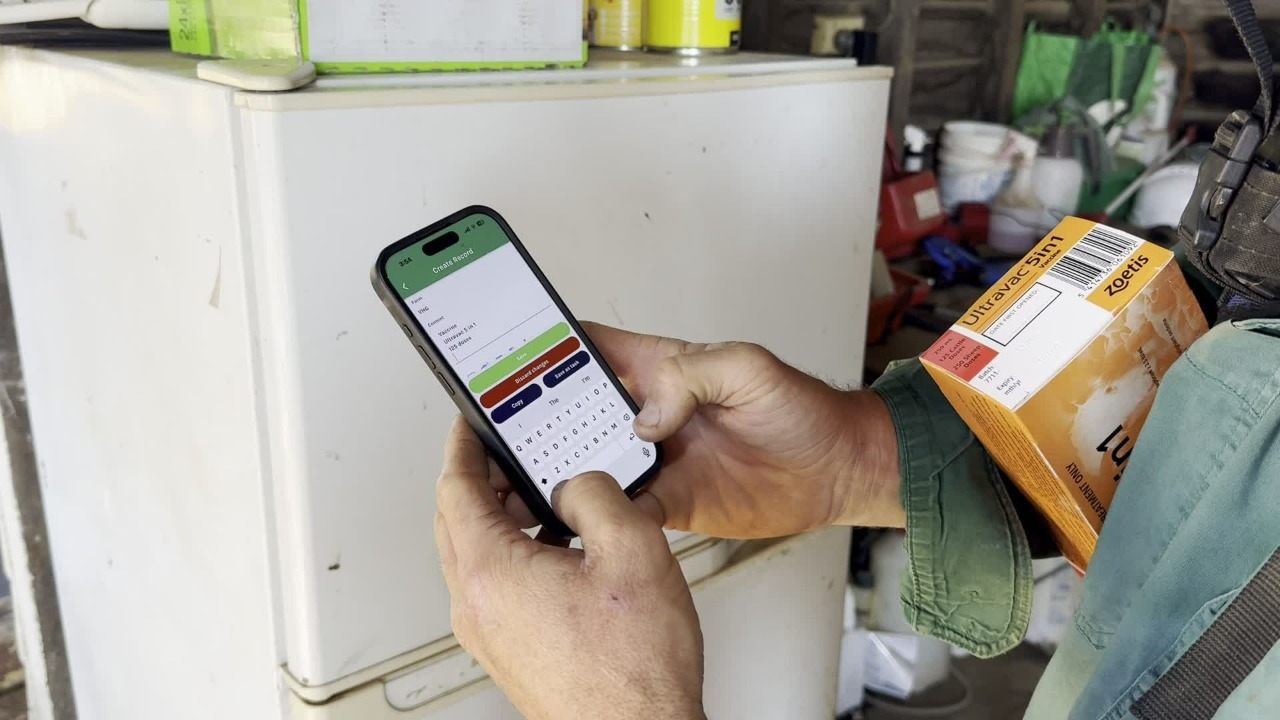
If you have picked up vaccine/chemical from town or taken delivery from the postman, it is your responsibility to record this in Resolution.
Firstly, take a clear photo of the batch number and the expiry date located on the packaging.
Open the Resolution Farming app, create a Record using the blue + button, type in the details.
Details should include:
product name
quantity/doses per product
number of products
total vaccine/chemical
expiry date/batch number (if not clear in the photo)
Example: Ultravac 5 in 1: 125 doses (250ml) x 1
Then, add the photo to the record.
Select the tag: ANIMAL VACCIES & CHEMICAL.
Check the date is correct (this should be the date you received and recorded the chemical).
Save the record.
With a pen, put a line through the details on the box to mark it as 'recorded'.
Once recorded, store in the fridge (if applicable) by placing neatly at the back of the pile.
Vaccine stored in the fridge should be grouped by product.

Navigate to Resolution to view a copy of this procedure - tag: STANDARD OPERATING PROCEDURE.
Then, navigate to the Staff Training Acknowledgement Declaration form to confirm your understanding of this course.