
Switching Between Web and PDF Modes
Automatically switch capture modes when moving between web pages and PDF documents in your browser.
Automatically switch capture modes when moving between web pages and PDF documents in your browser.
1
Step 1 of 3Start the capture process on either a web page or a PDF document.
2
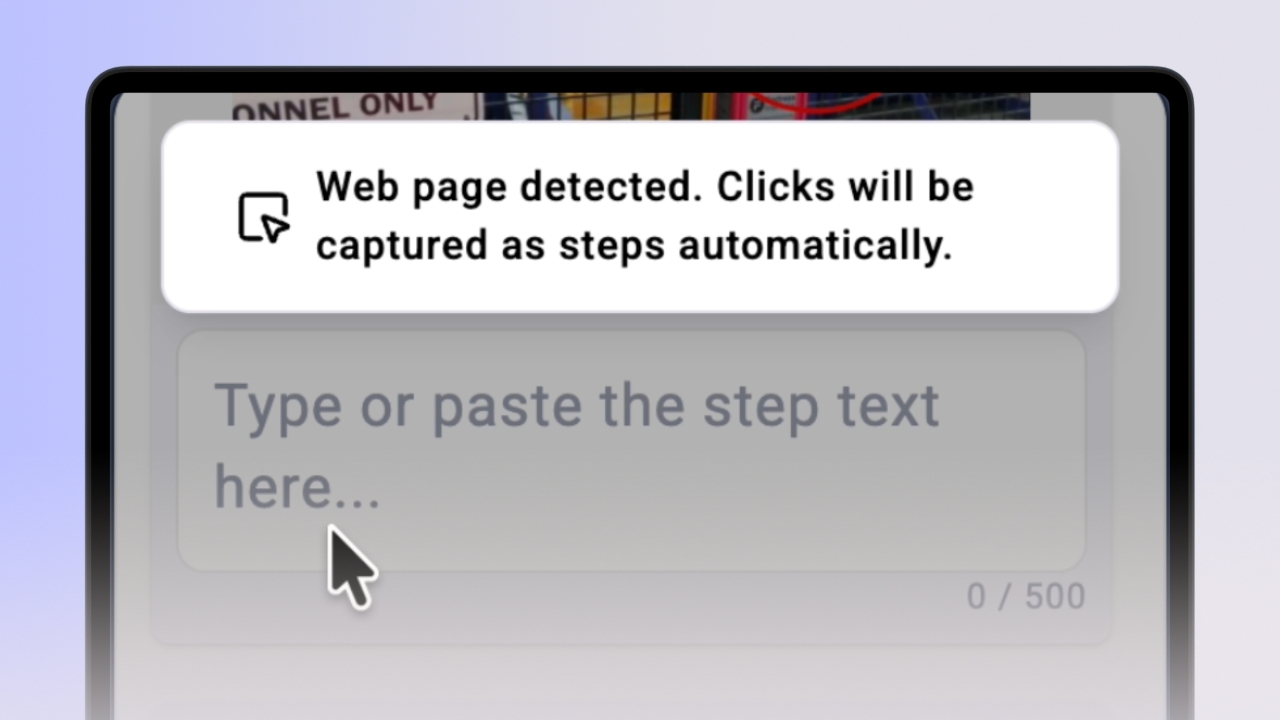
Step 2 of 3If you switch from a PDF to a web page, the extension will pause and display: "Web page detected. Clicks will be captured as steps automatically." Click "Resume" to continue recording your clicks on the new page.
3
Step 3 of 3If you switch from a web page to a PDF, the extension will pause and display: "Automatic capture is paused on PDF files. Use right-click to add steps manually." You must manually add new steps, but they will be saved seamlessly to the same knowby draft you are currently building.