
Update a translation after changes
When you change the original text, translations are no longer verified. Here's how to update them.
When you change the original text, translations are no longer verified. Here's how to update them.
1
Step 1 of 3In Knowby Studio, open the Steps tab and change the step text. A red dot appears on the Languages tab — the translation needs your attention.
2
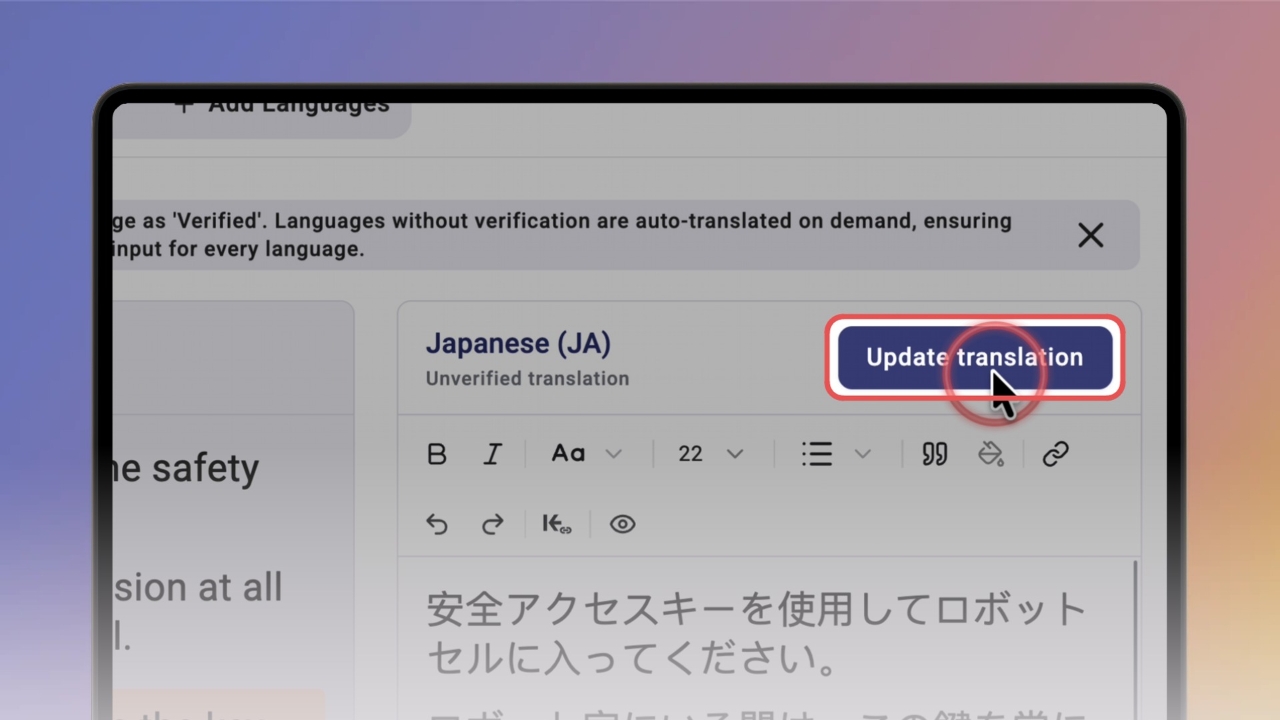
Step 2 of 3Open Languages. A red banner shows which step changed, and the language is marked unverified. Click Update translation — Knowby translates the new text again.
3
Step 3 of 3Check the updated text and tick Translation verified. Repeat for every language — each one gets its green checkmark back. Then click Done.