

Personal Protective Equipment (PPE). Gloves and Safety Glasses. If you don’t already have a pair of gloves and safety glasses, please see the store worker.
QA Sheet. You will find a QA sheet at the machine, if there is no QA sheet there see the team leader or production. A QA sheet will need to be completed at the start, through out and at the end of the day.
No tools required.
Press home, type 314 then press enter, then type the admin password (54321) then press enter to set station.
Press programs, then press directory, then scroll to find the program you need then press enter.

If table 1 is inside, you will need to select station 5, if table 2 is inside you will need to select station 6.

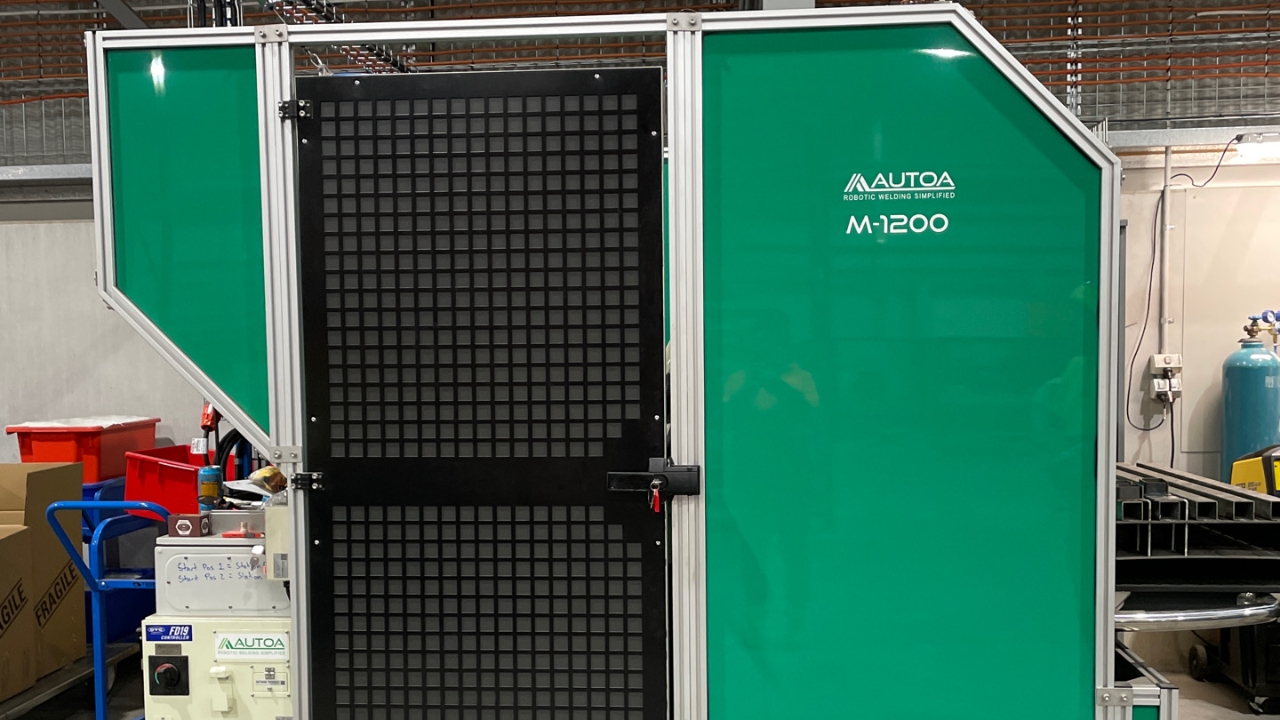
Check inside to see which table is in.
Select your station and type in the amount you need.
Turn the hand held and the key back to play(looks like a swirl or flower) and put the hand held back in its spot.
Press the blue reset button, wait at least 5 seconds before pressing the green start button. There are two start buttons, pos 1 and pos 2, press which one that matches the table inside. If table 1 is inside then press start pos 1, if table 2 is inside press start pos 2.