
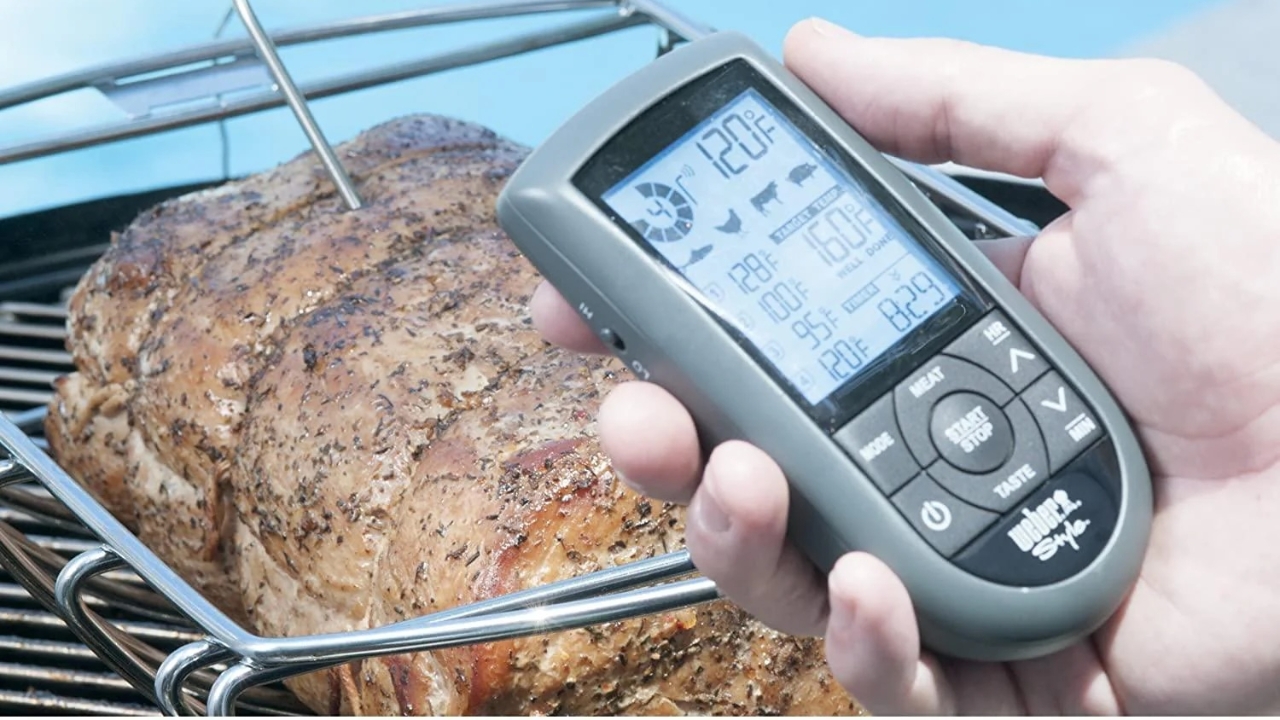
How to use Weber wireless thermometer
This guide provides step-by-step instructions for using the Weber wireless thermometer, including battery requirements, probe connection, and synchronisation of the controller and base unit. By following these steps, you can effectively monitor temperatures during cooking.
This guide provides step-by-step instructions for using the Weber wireless thermometer, including battery requirements, probe connection, and synchronisation of the controller and base unit. By following these steps, you can effectively monitor temperatures during cooking.
1
Step 1 of 6
Box looks like this. It is kept in Anji’s pantry, to the right of cool top
2
Step 2 of 6
Make sure it has good batteries
AA for the controller and AAA for the base
3
Step 3 of 6
Plug in the temperature probes to back of base unit
4
Step 4 of 6Press and hold buttons 1 and 2 on the controller unit until you here a “beeep”
5
Step 5 of 6Now press the “on” button on the base unit.
You need to do this within 12 seconds!
6
Step 6 of 6Temps should now be working for both probes