
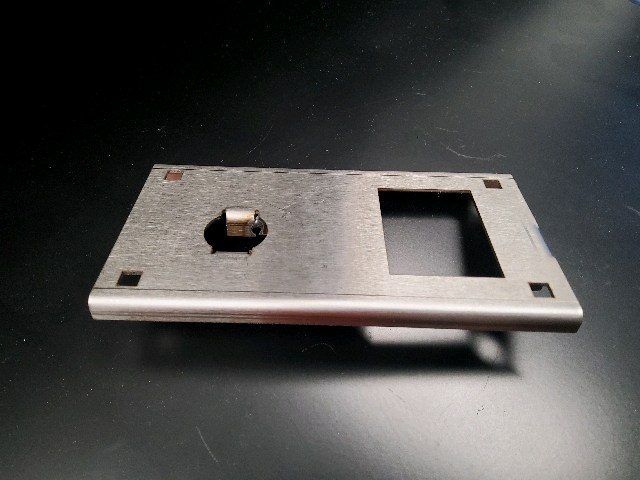

FOLLOW LOAD PROGRAM KNOWBY FIRST. Locate the program tool drawing and arrange tooling accordingly
Double-click the Esabend icon and it will open the program to the last screen.
From whatever screen that opens click the home icon somewhere in the top right of the screen
Hit the lists icon and then select programs list from the dropdown
Select the "LT-041-000-Roller door Latch Body" program. Then select the load program on the bottom of the screen. If do you want to cancel changes pop up, select yes
Select the “Automatic gearstick” icon ( not the manual gearstick icon) it is the 4th icon from the left and then press the illuminated start button
Form the long side tabs using small Die B
Repeat on other side
Fold one long side and repeat for opposite side
Snap parts and place on back rest. Align guide tab and fold