
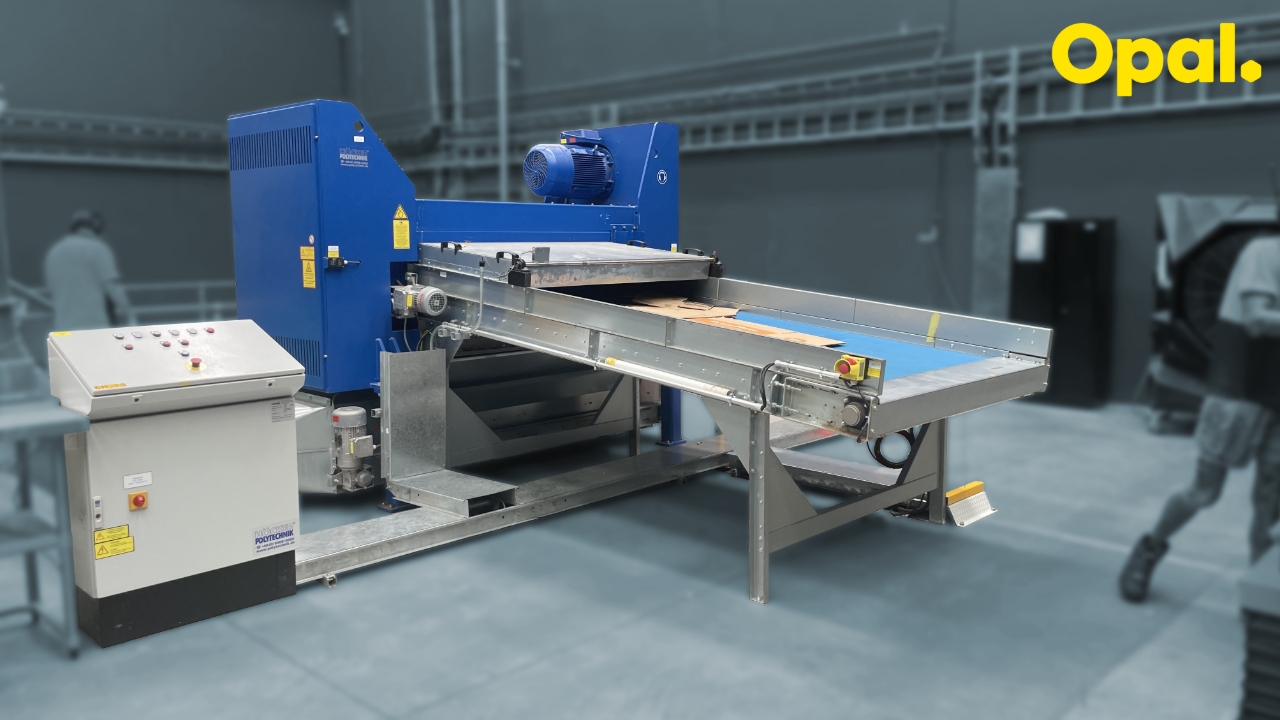
Hogger Operation
1
Step 1 of 4Start the Hogger:
- Press white 'Disposal Plant Start'.
- Wait for the 'Discharging conveyor ON' light to flash.
- Press white 'Start shredder'
2
Step 2 of 4Prepare Waste Trolley:
Push waste trolley on to lifter. Ensure trolley and lifter are correctly aligned.
3
Step 3 of 4Load Waste into Hogger:
Place waste on conveyor. Ensure waste does not clog the shredder entry point.
4
Step 4 of 4Stop the Hogger:
- Press red 'Shredder STOP' button.
- Press red 'waste disposal plant STOP, button.
Note: The shredder should be stopped when not in use