Knowby Forma3d
Knowby
F3D-GEN-002 - Closing Procedure
The print room technician on site completes this procedure each working day, straight after 5S at 4.30pm. It sets up the printers for overnight runs and leaves the site secure.
1
Step 1 of 9
<p><strong>Complete 5S (4.30pm)</strong></p><ul><li><p>Finish the 5S routine for your area before starting the close.</p></li></ul><p></p>

Complete 5S (4.30pm)

  • Finish the 5S routine for your area before starting the close.

2
Step 2 of 9
<p><strong>Set up printers for overnight prints</strong></p><ul><li><p>Check each printer that will run overnight has the right job loaded, a clean bed and enough filament or resin to finish.</p></li><li><p>Make sure the first layers have gone down cleanly on any job already started.</p></li><li><p>Printers not running overnight should be idle with no faults showing.</p></li></ul><p></p>

Set up printers for overnight prints

  • Check each printer that will run overnight has the right job loaded, a clean bed and enough filament or resin to finish.

  • Make sure the first layers have gone down cleanly on any job already started.

  • Printers not running overnight should be idle with no faults showing.

3
Step 3 of 9

Bring in the flags

  • Bring all flags in from the front of the site and store them inside.

4
Step 4 of 9

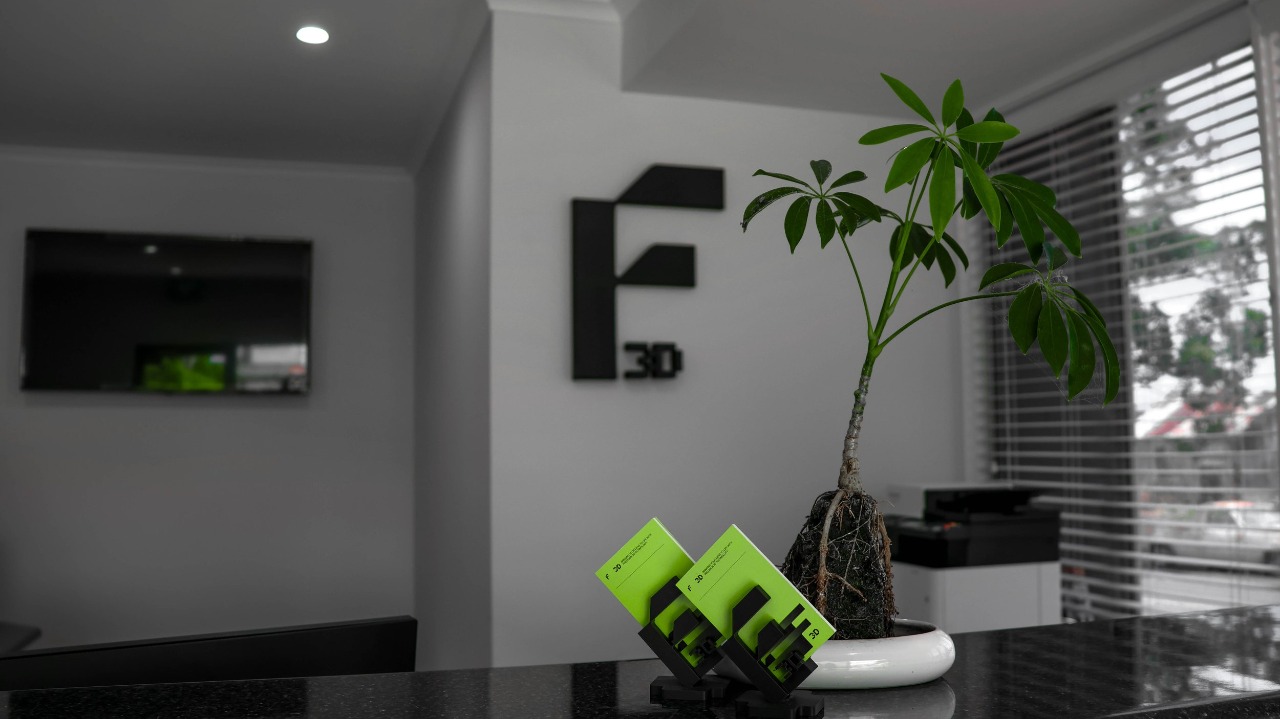
Turn off the TV

  • Stop the USB display and turn the TV off.

5
Step 5 of 9
<p><strong>Quickly review emails</strong></p><ul><li><p>Scan the inbox for anything urgent that arrived during the afternoon.</p></li><li><p>Reply to or flag anything that can't wait until tomorrow's pre-start.</p></li></ul><p></p>

Quickly review emails

  • Scan the inbox for anything urgent that arrived during the afternoon.

  • Reply to or flag anything that can't wait until tomorrow's pre-start.

6
Step 6 of 9
<p><strong>Turn off the PC</strong></p><ul><li><p>Log out and shut down the front PC. If you used the print room PC, shut that down too.</p></li><li><p><strong>Tuesdays:</strong> leave the PC on for the Priority 1 update. Don't log out.</p></li></ul><p></p>

Turn off the PC

  • Log out and shut down the front PC. If you used the print room PC, shut that down too.

  • Tuesdays: leave the PC on for the Priority 1 update. Don't log out.

7
Step 7 of 9

Lock the front entrance

  • Lock the front door and check it is secure.

8
Step 8 of 9

Turn off the lights

  • Turn off the office, showroom and print room lights.

9
Step 9 of 9

Exit through the warehouse door

  • Leave through the warehouse door and lock it behind you.