Knowby
Rosemount Ag
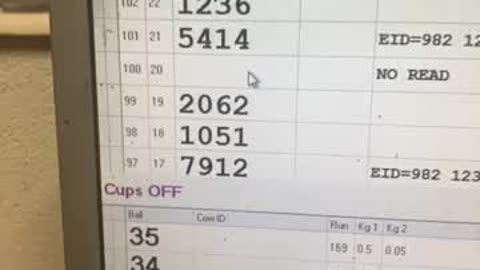
Add a calving event in Jantec
1
Step 1 of 6Make sure the blue curser is on the cow you want to add the calving event too. In the above it’s 2062
2
Step 2 of 6
Once you’re on the right cow press F8 to add an event Here the highlighted box is on A = antibiotic injection
3
Step 3 of 6
Press ‘C’ on keypad and make sure the highlighted part now says C=calving events
4
Step 4 of 6Make sure the date is right and that the cow is the right number (ie 2062 in this example) and press F8 to save the event
5
Step 5 of 6Exit the screen And make sure the blue curser is still on that cow and press F5 to draft her you’ll know you’ve done it right when there is a ‘Draft R’ next to that cow
6
Step 6 of 6Make sure the cow has a coloured dot on rump and chain her on for colostrum collection