
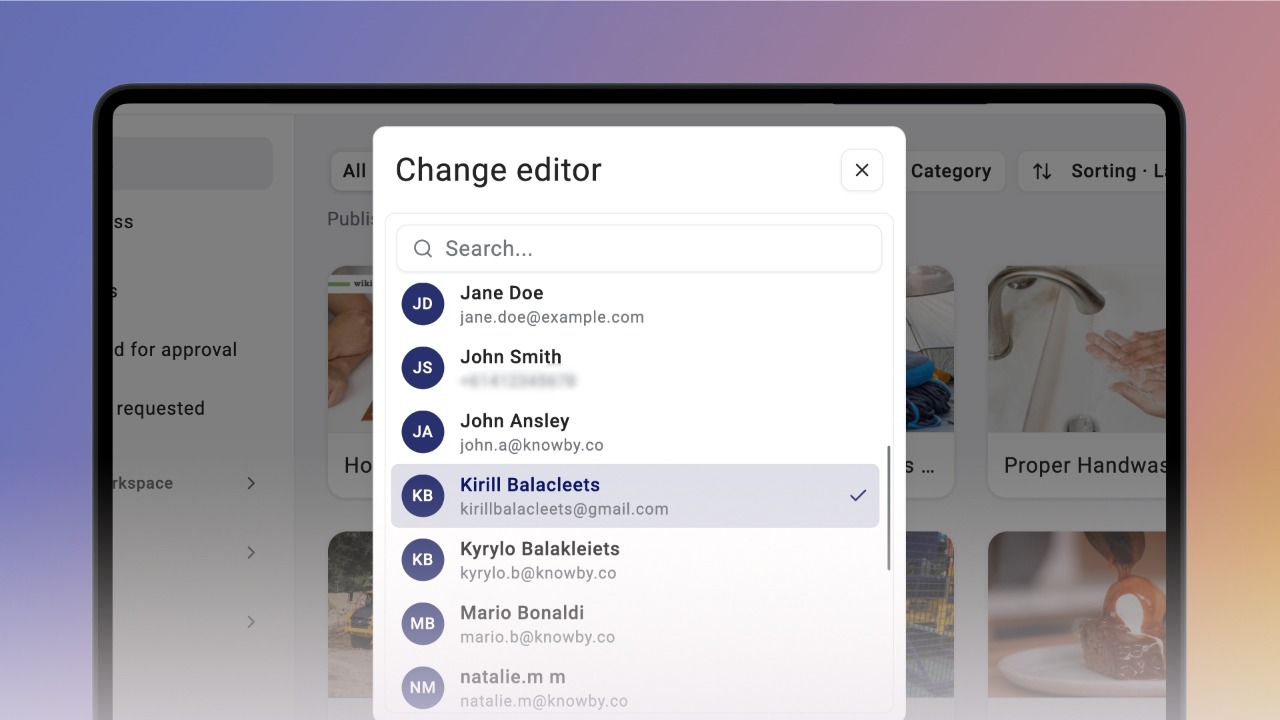
Change the Editor of a knowby
Change who holds editing rights on a knowby — hand it off to a colleague, or check who's currently in charge of it.
Change who holds editing rights on a knowby — hand it off to a colleague, or check who's currently in charge of it.
1
Step 1 of 3The Editor is whoever currently holds editing rights on a knowby. You become one automatically when you create a knowby — or if another Editor hands the role over to you.
This comes in handy if, say, you're going on leave and need someone to keep a knowby updated while you're away.
A Member can change the editor if they're already that knowby's Editor, and an Admin can do it for any knowby.
To change it, open the three-dot menu and click Change Editor — from the home screen or from the knowby's view screen.
2
Step 2 of 3In the menu that opens, select the person you want to hand the Editor role to.
Once you confirm, you'll see a message confirming the change.
3
Step 3 of 3To check who the current Editor is, open Knowby Details — the Editor is shown there.