
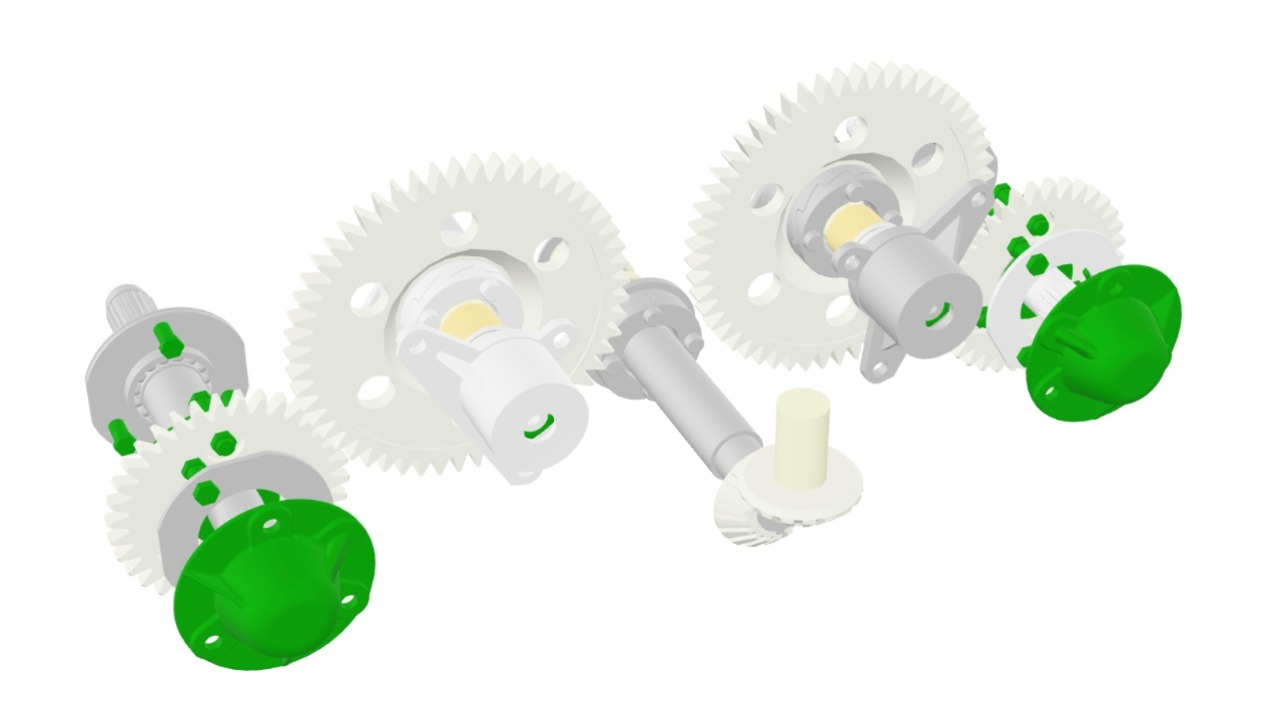
Rotate the gearbox. Click and drag to spin it around — find the output shaft on the far side.
A photo shows you one angle. A 3D step shows you every angle: the far side, the underside, the mounting points — as if you were holding the assembly in your hands.
Zoom into the detail. Get close to the cylinder head and count the bolts.
Fine details that would take five photos to cover — bolt positions, gasket edges, fittings — sit in one model, and your team zooms to exactly the part they need.
Go full screen. Click Expand and inspect the blade clamp up close.
For detailed work, the model fills the whole screen — same rotation, same zoom, just bigger.
Try it on your phone. Open this knowby on mobile, tap Open document, and rotate the buggy with a finger.
Everything works the same way in the field — no special software, no downloads. If your part exists as a 3D file, your team can inspect it anywhere.