Knowby
Hosting Hobart
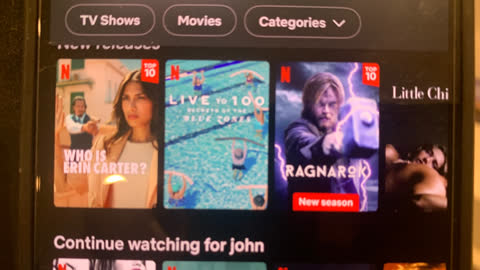
Using Chromecast for Netflix in a Hotel
1
Step 1 of 11
You can use these horrible instructions, or...
2
Step 2 of 11
Turn TV on.
3
Step 3 of 11
Select source ( home ).
4
Step 4 of 11
Select input.
5
Step 5 of 11
Select HDMI 1.
6
Step 6 of 11In settings go to wifi. Select hotel wifi.
7
Step 7 of 11Scan QR code on TV and open link.
8
Step 8 of 11Accept terms and select connect.
9
Step 9 of 11Open Netflix on your phone.
10
Step 10 of 11Select casting and then your room number / TV number.
11
Step 11 of 11
You’re in.