
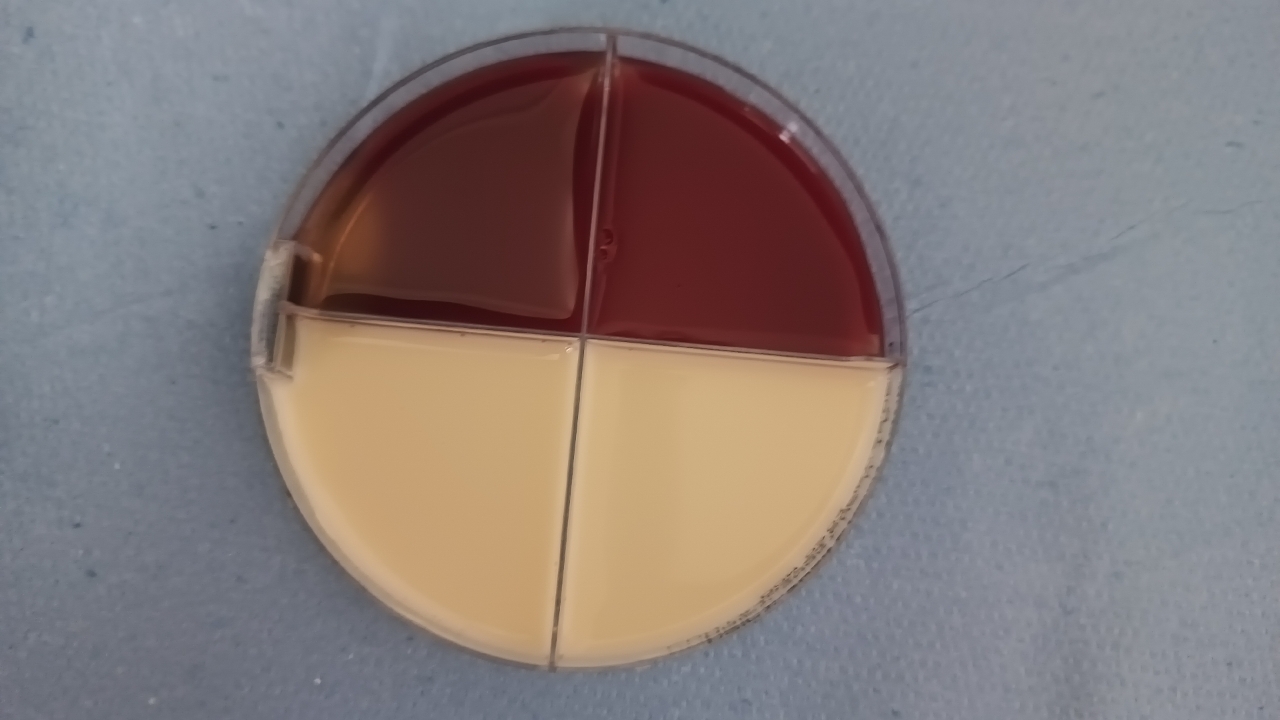
Smartdetect TM jupiter upload process
1
Step 1 of 6
Turn Jupiter on from the power button at back the of device
2
Step 2 of 6Selecting farm
3
Step 3 of 6Selecting session and Calibrating Camera
4
Step 4 of 6Entering sample number
5
Step 5 of 6Uploading plate image
6
Step 6 of 6
Select Next sample if more to do or select done to receive results making sure Tasks remaining is at 0.