
Use Text-to-Voice on Your Knowby
Have your knowby steps read aloud in any language, with each word highlighted as it's spoken.
Have your knowby steps read aloud in any language, with each word highlighted as it's spoken.
1
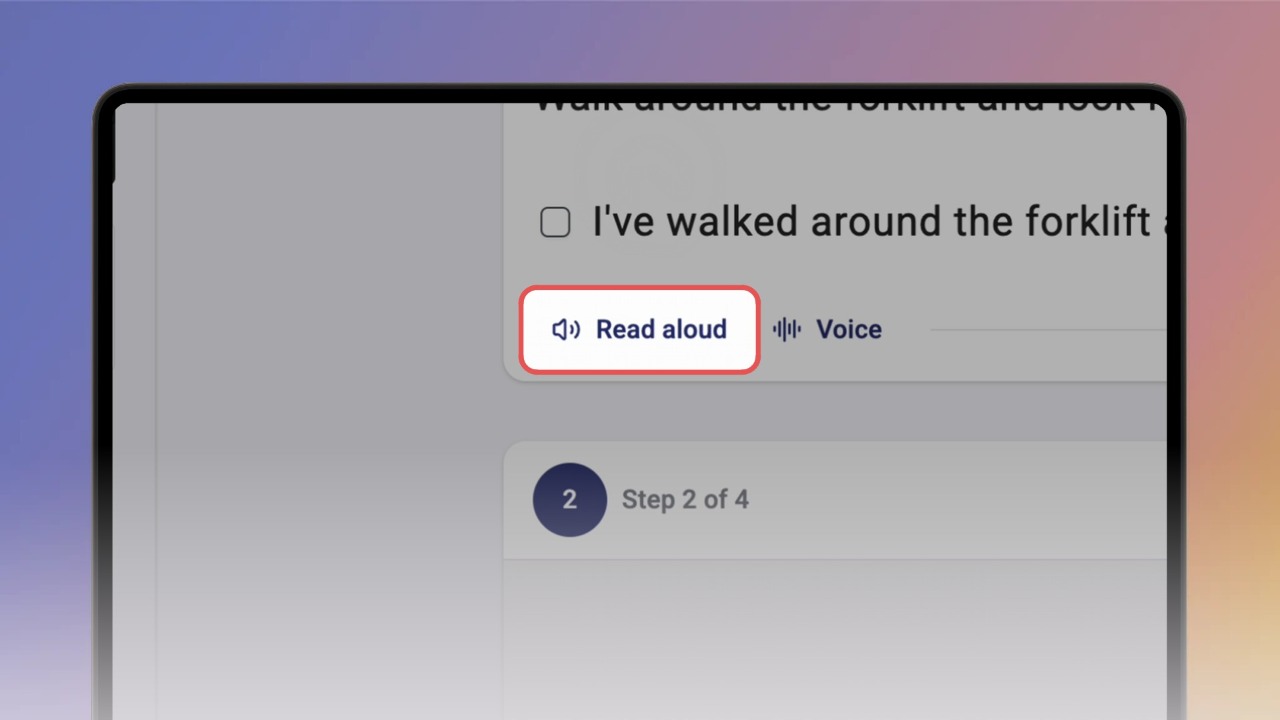
Step 1 of 3Any knowby with text in its steps can be read aloud, in whatever language the text is written in.
You'll find this right below the media and step text — just click Read aloud, and Knowby starts reading the step to you, highlighting each word as it's spoken.
2
Step 2 of 3You can also change the voice used for reading.
Click Voice, next to the Read aloud button, and pick the one you want.
3
Step 3 of 3Text-to-voice works in both Slide mode and Scroll mode, so you can listen to your step text either way.