
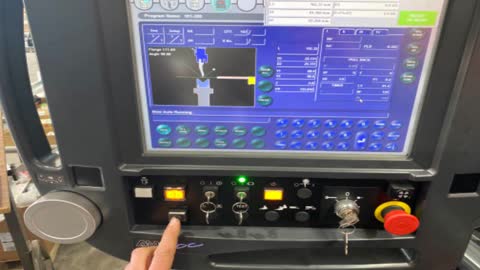
Change Program, Amada Press
1
Step 1 of 11
End current program
2
Step 2 of 11
Press “Work Done”
3
Step 3 of 11
Click “Yes”
4
Step 4 of 11
Find new drawing. E.g new part number is 101-201
5
Step 5 of 11Select new part number then press enter
6
Step 6 of 11
Press Run
7
Step 7 of 11
Press reset
8
Step 8 of 11Open cover and press the auto button
9
Step 9 of 11
Ready to bend will show
10
Step 10 of 11
Refer to drawing so that you which side that etched part number should be on
11
Step 11 of 11Start folding