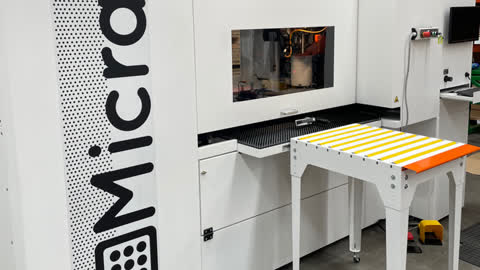

Turn on power to the right of the machine

Turn the isolation switch to the on position

The screen will turn on pull out the keyboard and mouse if needed

Open the operating software WSCM by double clicking

Software will open, screen will look as above

Press the blue power button to energise the machine

Enter the automatic tab at the top of the screen and click on setpoint to calibrate the machine

The machine will ask the above. This is to check that the winding handle is not in the machine. This can been seen through the window as shown in the picture on the next step

If the handle is not in the machine proceed to next step. If it is open the door, remove handle, close door and press the blue button again. Then click set point again to calibrate

The machine will calibrate and show the above message when complete The machine is ready to be programmed and create micro perforations