
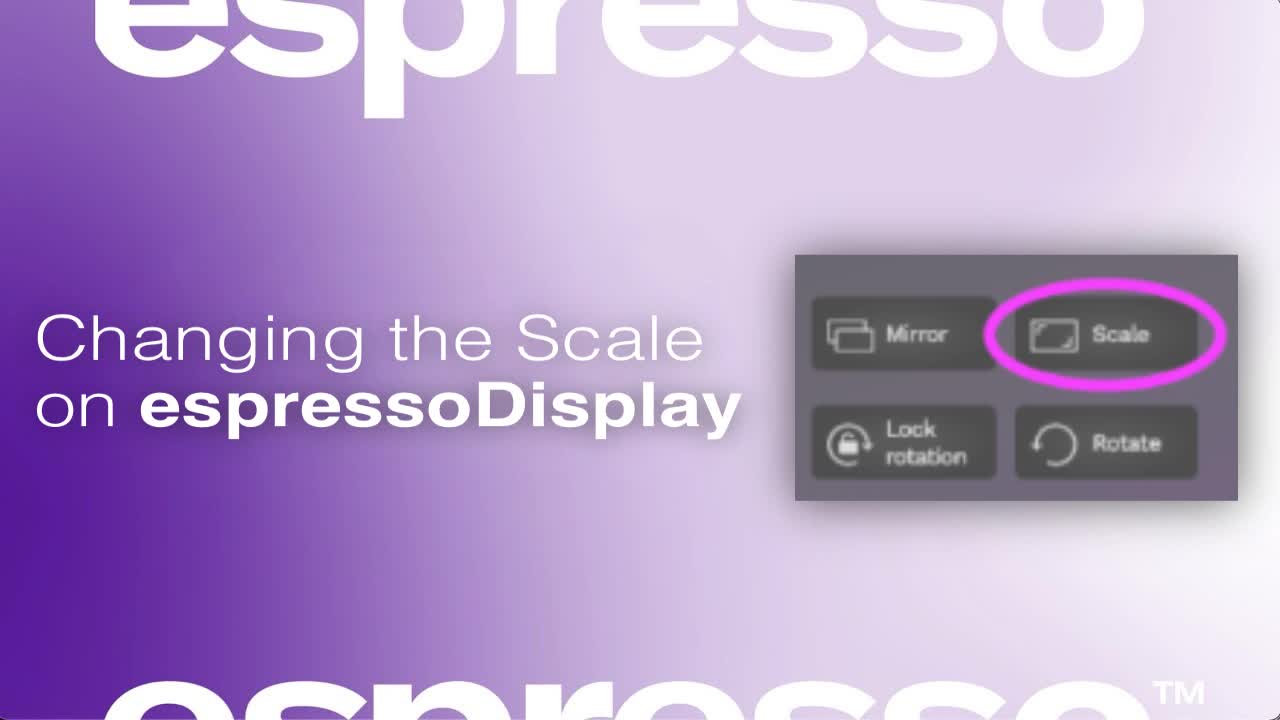
Changing the Scale on espressoDisplay
Feel like your desktop and applications on your espresso Display are too small, or maybe too zoomed in? espresso Flow has the answer!
Feel like your desktop and applications on your espresso Display are too small, or maybe too zoomed in? espresso Flow has the answer!
1
Step 1 of 5Open espressoFlow
Launch the espressoFlow application with your MacBook connected.
2
Step 2 of 5Select Your Display
Click on the image representing your EspressoDisplay in the 'Arrange Displays' tab.
3
Step 3 of 5Choose Scale
Select the 'Scale' option from the menu.
4
Step 4 of 5Adjust Scale
Choose your desired scale from the available options to set the magnification or zoom level.
5
Step 5 of 5If you need further assistance, please contact our support team through the provided form.