
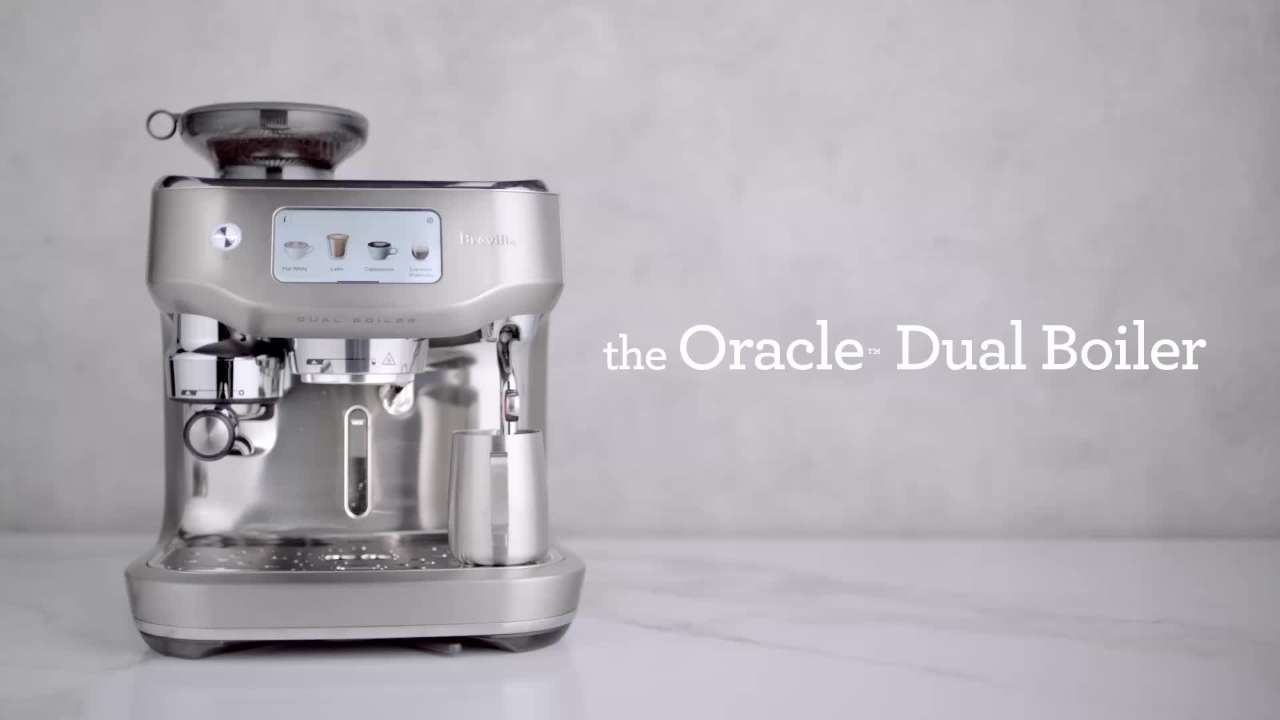
the Oracle Dual Boiler Unboxing your coffee machine Breville
Congratulations on purchasing the Oracle Dual Boiler Espresso Machine for ultimate performance and ultimate automation.
Congratulations on purchasing the Oracle Dual Boiler Espresso Machine for ultimate performance and ultimate automation.
1
Step 1 of 20Congratulations on purchasing the Oracle Dual Boiler Espresso Machine for ultimate performance and ultimate automation.
2
Step 2 of 20You can now brew and texture milk at the same time, just like a commercial machine with the Dual Boiler Heating System.
3
Step 3 of 20Let's unbox your machine. Place the box on the floor and open it up.
4
Step 4 of 20Remove the recycled cardboard packaging from the top of the machine and set aside the accessories.
5
Step 5 of 20With both hands, firmly hold the machine and pull it up and out of the box and remove any plastic packaging.
6
Step 6 of 20The Oracle Dual Boiler comes with a set of key accessories that all have a part to play.
7
Step 7 of 20Before first use, remove all of the plastic coverings and wash all parts with warm soapy water and a soft cloth or brush.
8
Step 8 of 20Dry thoroughly before use. You'll notice that the Oracle Dual Boiler machine features a third wheel for added convenience.
9
Step 9 of 20You can easily swivel it around until you find the right position. Then, lock the lever to secure the machine from moving around your bench top.
10
Step 10 of 20Let's power it up. On first use, your machine will prompt you to set up various preferences, including a Wi-Fi network connection to run a firmware update.
11
Step 11 of 20This keeps the Oracle Dual Boiler up to date with the very latest operating system, just like your smartphone.
12
Step 12 of 20Here you will also be prompted to download the new Breville Plus Coffee app, where you'll be able to remote start your machine for added convenience.
13
Step 13 of 20Next, all you have to do is follow the machine's first-use setup, which will take you through all the parts and accessories, running a water hardness test, and an initial rinse cycle using simple, easy-to-follow steps.
14
Step 14 of 20Once the machine is ready to make your first coffee, you'll be prompted to choose if your coffee beans have a roasted-on or best-before date, and the machine will set a recommended grind size to begin.
15
Step 15 of 20Follow along to dial in, grind, and extract your first coffee shot, as well as texturing the ideal milk for latte art.
16
Step 16 of 20The Oracle Dual Boiler comes with a pre-programmed auto-dialing feature, where it will optimize the grind size for your next coffee shot.
17
Step 17 of 20This clever feature detects a fast, balanced, or slow pour, and if needed, will automatically adjust to get a more balanced extraction.
18
Step 18 of 20This may require you to repeat the process to get it just right.
19
Step 19 of 20Now you're ready to enjoy a wide range of coffee styles from the cafe menu.
20
Step 20 of 20The Oracle Dual Boiler also features brand new drinks and recipes, giving you a wide range of specialty coffee creations.