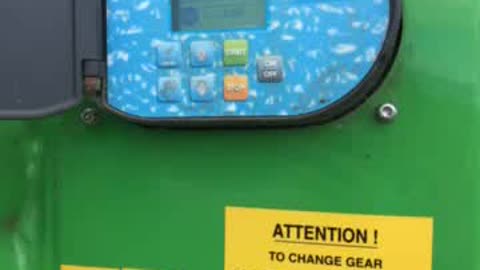
Make sure that the bottom left icon on computer screen is showing a STOP (if it shows two triangles just be patient and wait)
Check for the distance the hose is rolled out -- ensure that it is not 1702 (this is written all along the hard hose)
Go back to computer and to set the distance --> on the home screen press the up and down arrow at the same time - the distance box will start flashing in the top right of screen... Then click up or down so that it matches what your distance was.
Press program and this screen comes up - set your speed - if in doubt check with James... Press the Prog button to progress to next page
This page sets your start up and wind down time. Make sure your start up time is 5 minutes.
You will be in neutral so grab the right hand gear lever and PUSH IN
You will know it is in gear if you can't spin the PTO with your handle

Make sure that the dog chain is unhooked off its hook
Press start and the hours for the program will show in the top right of the screen - here you can see it is 8:22
Stay with the hard hose until it starts winding in