
Add an internal reference ID
Link a knowby to your own document or process code so it's easy to track and find.
Link a knowby to your own document or process code so it's easy to track and find.
1
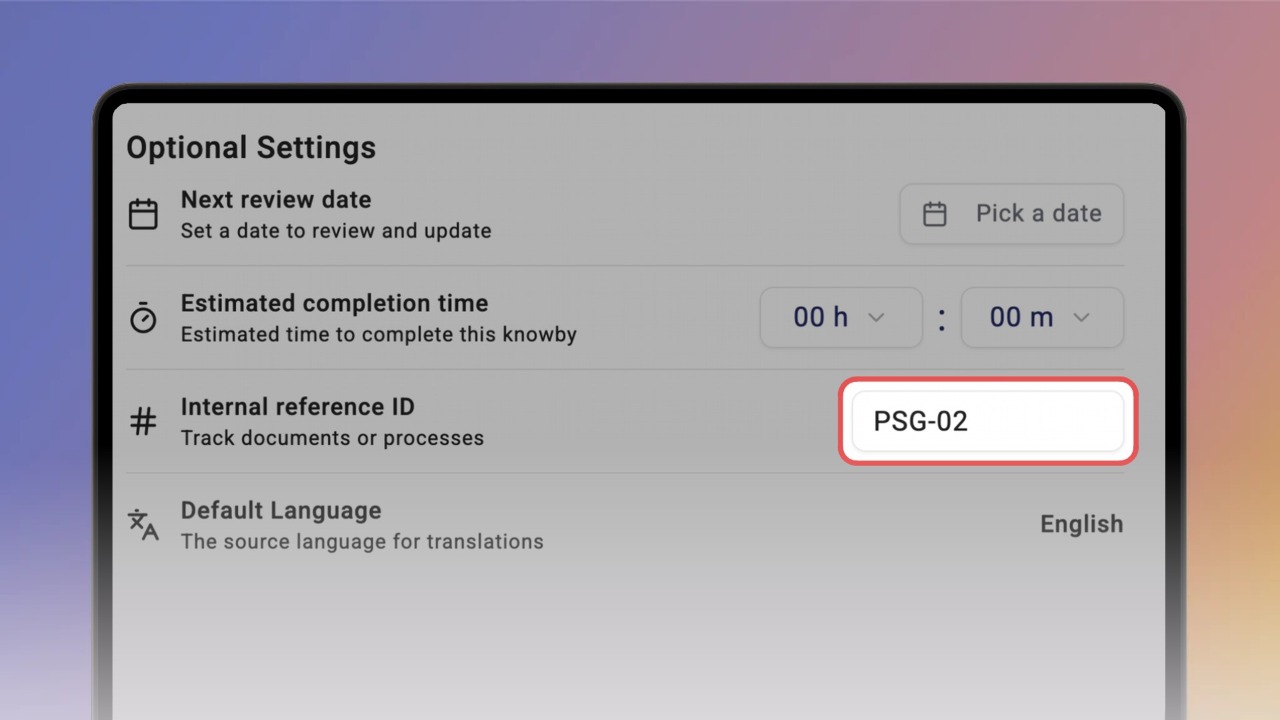
Step 1 of 3In Details, click the Internal reference ID field under Optional Settings and type your code, for example a document or SOP number.
2
Step 2 of 3Click Done. The ID now shows as a tag next to the language, under the knowby title.
3
Step 3 of 3To find the knowby later, type the ID in Search and pick it from the results.