Knowby
Rosemount Ag
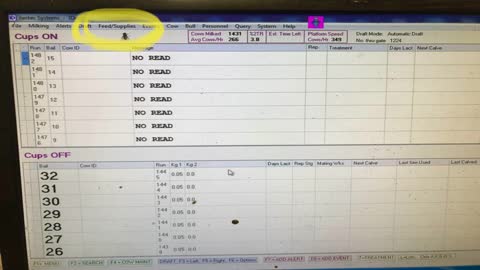
Change feed settings
1
Step 1 of 8
Open jantec and click on feed/supplies icon
2
Step 2 of 8
Select feed group maintenance
3
Step 3 of 8
This page will open
4
Step 4 of 8
Select which herd you want to change. Here you’ll see I’ve selected the milkers group
5
Step 5 of 8
Select which auger you want to change here I’ve selected the red one - auger 1
6
Step 6 of 8
Change the kgs in the boxes at the bottom of the window. Make sure you change all boxes with a number in them
7
Step 7 of 8
Change the other auger if need be.
8
Step 8 of 8
Once done click on update at the bottom of the window. Then watch as the cows come on to ensure the kgs you wanted are what’s being fed to the cows.