
Step Completion Tracking with Required Checkbox
Learn how to enable step completion tracking in Knowby by adding a required checkbox form field. This allows users to confirm each step and clearly track their progress while completing a knowby.
Learn how to enable step completion tracking in Knowby by adding a required checkbox form field. This allows users to confirm each step and clearly track their progress while completing a knowby.
1
Step 1 of 2Open the knowby in Edit mode and go to the Steps tab.
In the right-hand panel, open the Forms section and click Add field.
2
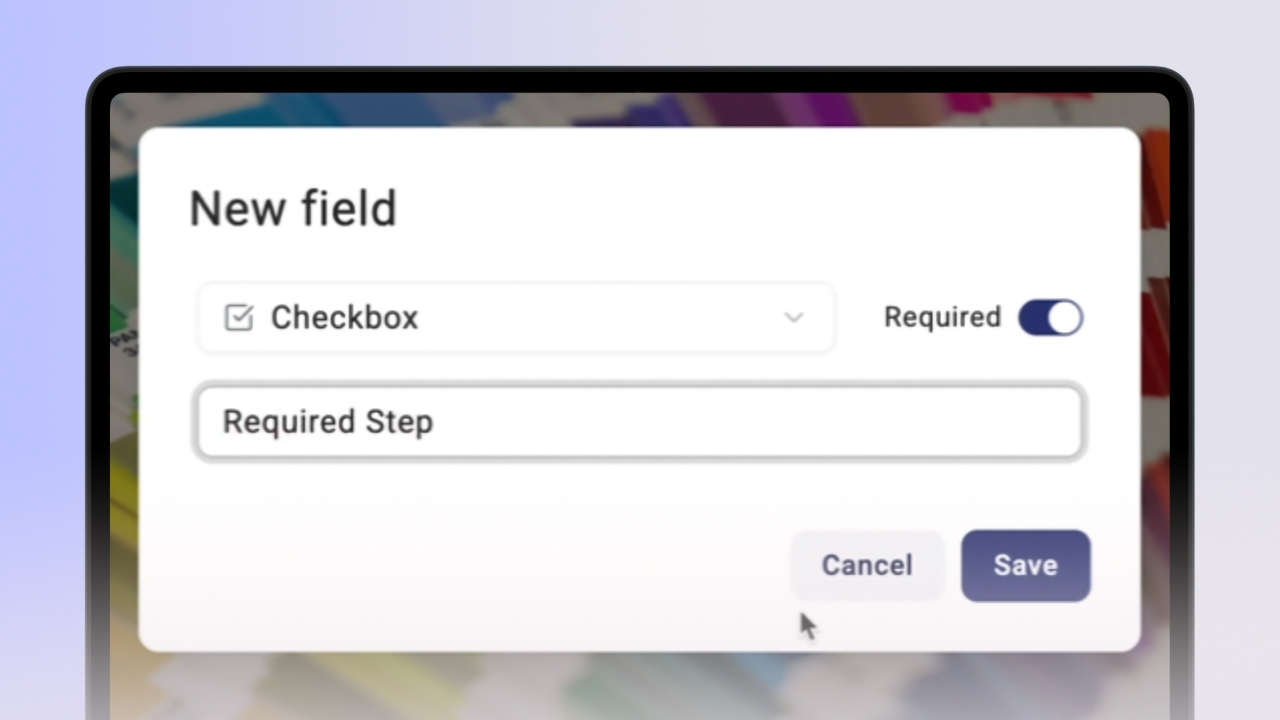
Step 2 of 2Select Checkbox as the field type.
Enable Required, add a clear label (for example, “I have completed this step”), and click Save.
Once saved, the required checkbox appears in the step and must be completed before the user can proceed, enabling clear step completion tracking.