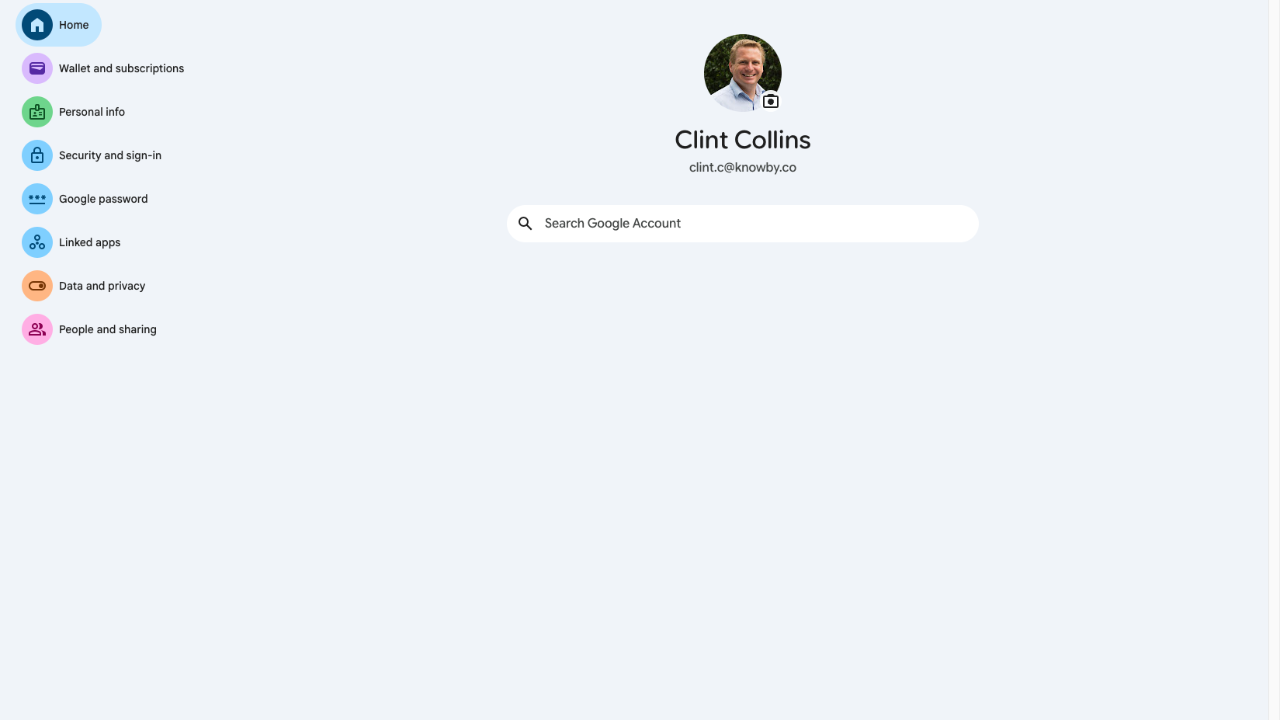
2 Step Authentication in Knowby Google Account Confirm 2 Step Authentication is enabled in your Knowby Google Account Confirm 2 Step Authentication is enabled in your Knowby Google Account 1 Step 1 of 3 Navigate to: Google Account 2 Step 2 of 3 Click "Security and sign-in". 3 Step 3 of 3 Verify that 2-Step Verification is enabled. Close