Knowby
Dairy Systems
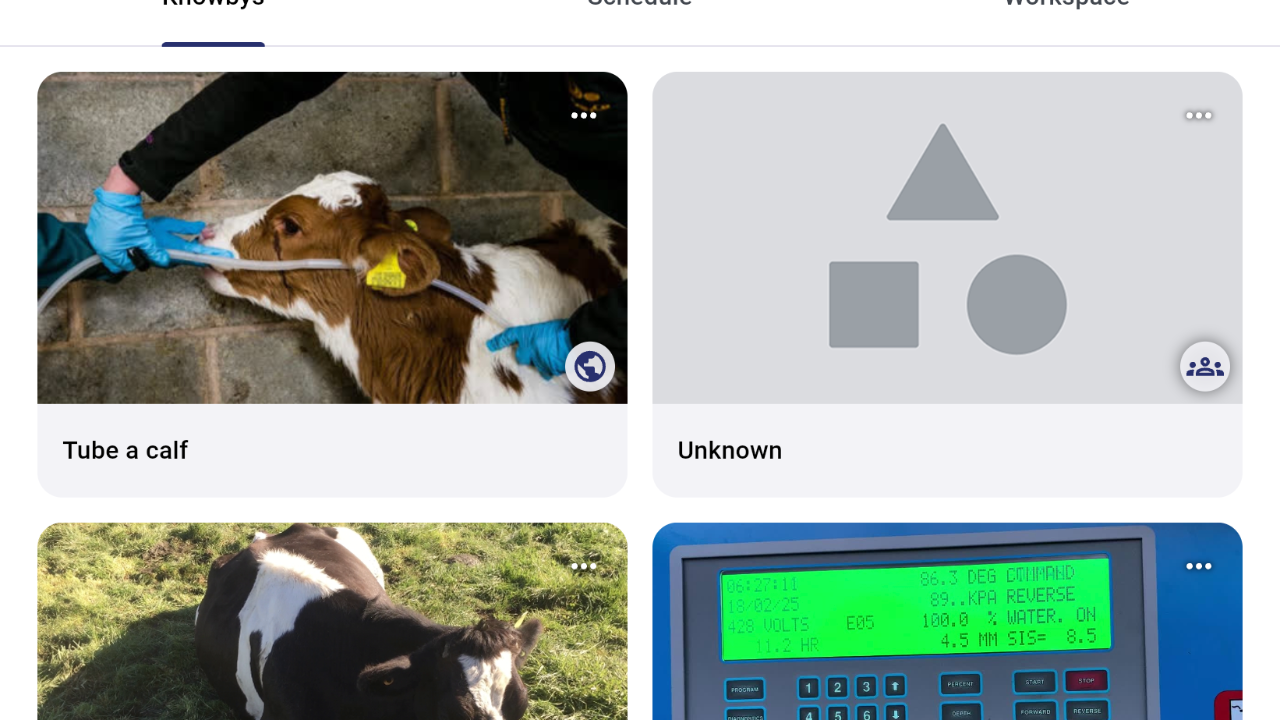
Create a PDF with multiple steps on one page
1
Step 1 of 6
Click the three dots on the Knowby you want to turn into a PDF.
2
Step 2 of 6
Click details.
3
Step 3 of 6
Click email PDF.
4
Step 4 of 6
Send PDF.
5
Step 5 of 6
Click "Download attachment tube-a-calf.pdf".
6
Step 6 of 6
Open the PDF and choose print.
Choose eg 6 pages per sheet to display 6 steps on one sheet.
You can then save this version and print it out.