Knowby
Dairy Systems
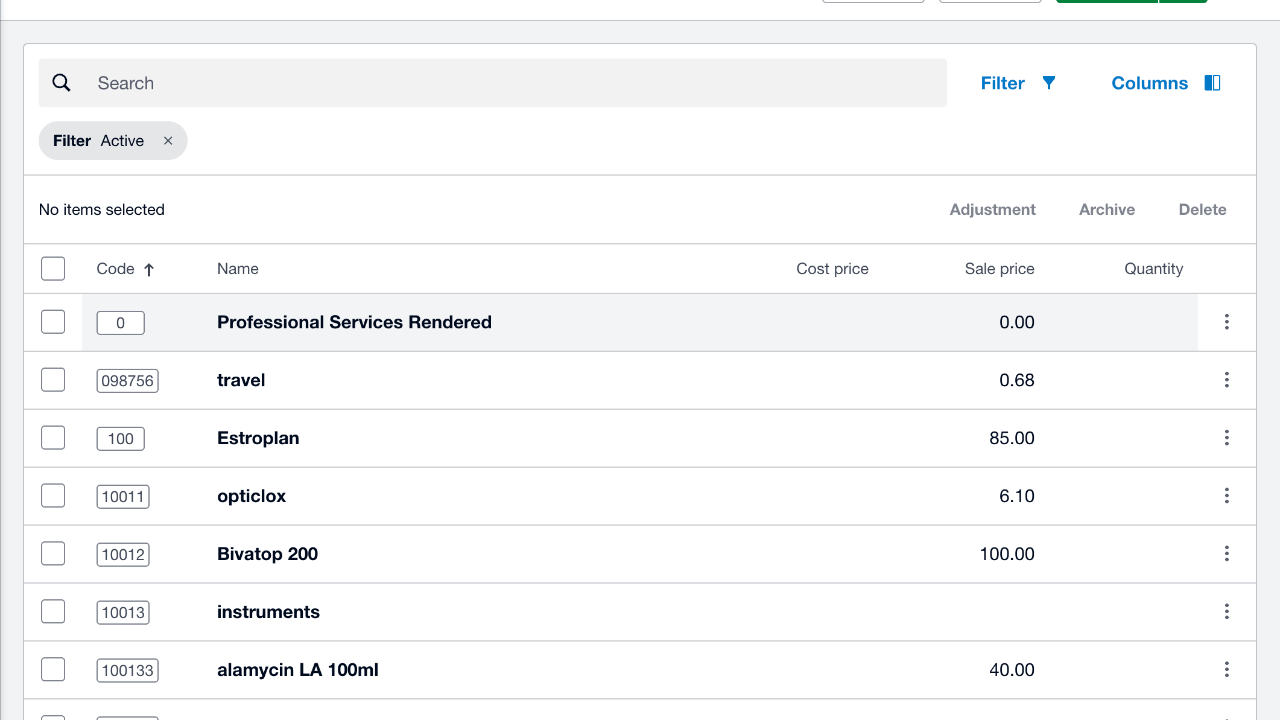
creating a new product in xero

2
Step 2 of 8
Click "New item".
3
Step 3 of 8
Click"Code" Enter a new product unique code.
4
Step 4 of 8
Click "Name" Add new product name eg Dry Cow
5
Step 5 of 8
Click "Sale price" Add your retail price excluding GST.
6
Step 6 of 8
Click "Sales account".
7
Step 7 of 8
Click "41006 - Drug Sales".
8
Step 8 of 8
Click "Save".