
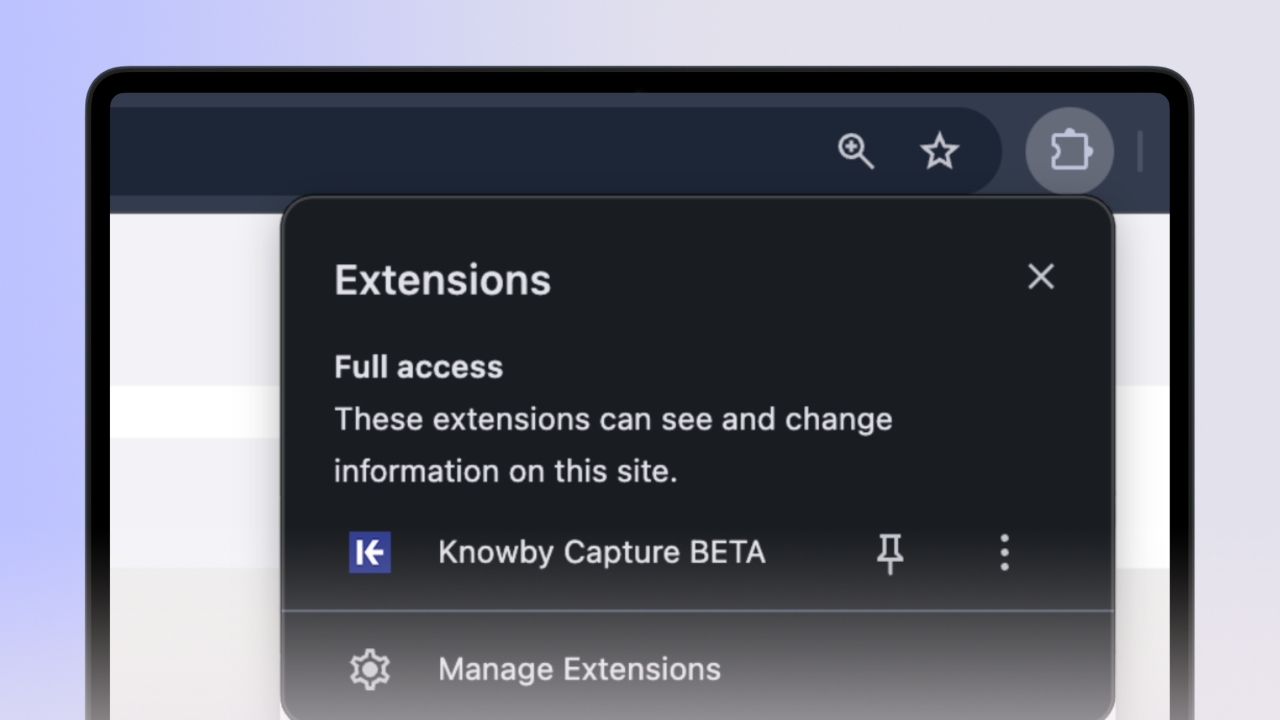
Installing the Knowby Capture extension
Add the Knowby extension to your Chrome or Edge browser to start capturing your workflows automatically.
Add the Knowby extension to your Chrome or Edge browser to start capturing your workflows automatically.
1
Step 1 of 4
Click the "+ Create" button in the top right corner of your Knowby home screen.
Select "Capture with Extension" from the dropdown menu.
2
Step 2 of 4
Click the "Install Extension" button in the pop-up window.
3
Step 3 of 4
Alternatively, you can search for "Knowby Capture" directly in the Chrome Web Store and install it from there.
4
Step 4 of 4
Once installed, look for the Knowby Capture icon in your browser’s extension list.
Pin it now for one-click access whenever you're ready to create.