Knowby
Tyre Doctor
ESI Redpath Training (Purchase Orders)
How to recieve in Purchase Orders from ESI Redpath
How to recieve in Purchase Orders from ESI Redpath
1
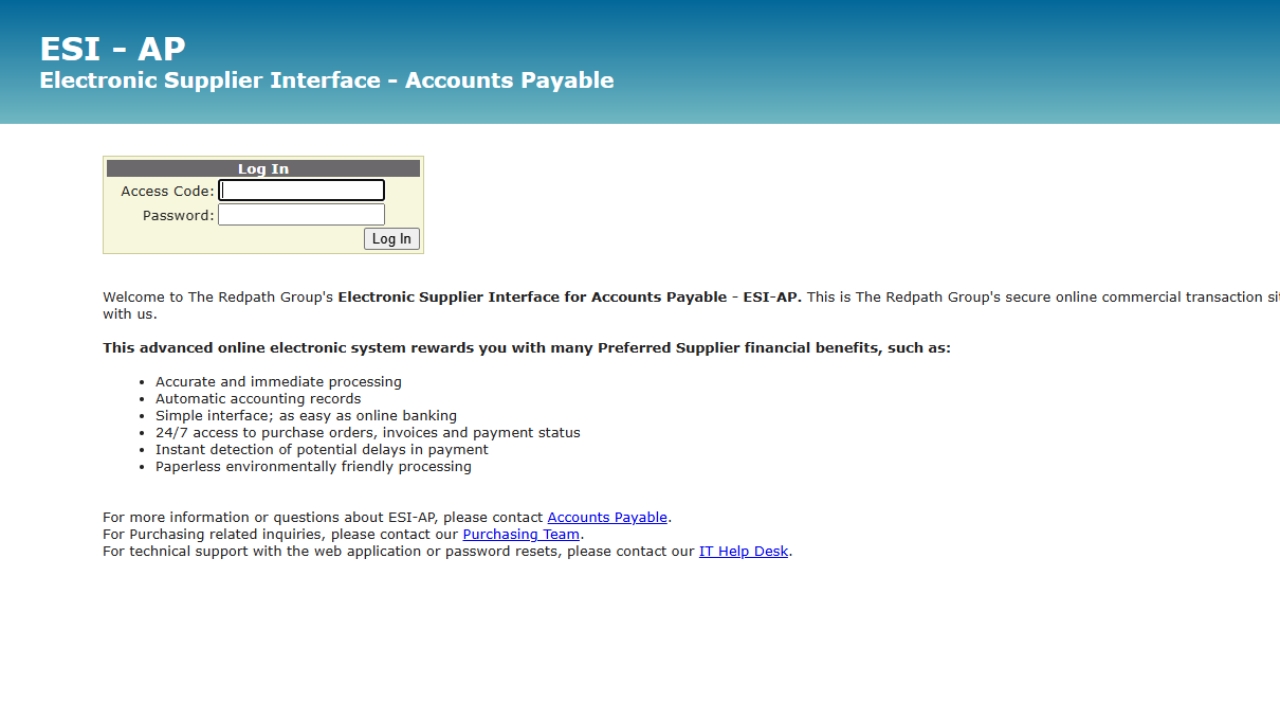
Step 1 of 3Receiving PO's from ESI📩 - Step 1
- Login into ESI - AP.
- Select 'Preview' on Line's without any PO Number.
2
Step 2 of 3Receiving PO's from ESI📩 - Step 2
- Open up Quote referenced on PO.
- Match up pricing between PO and Quote.
i.e. Advise Account Manager if PO doesnt match.
3. Accept the PO, Click Accept again to Generate PO Number.
3
Step 3 of 3Receiving PO's from ESI📩 - Step 3
- Copy and Paste PO into Quote/Sales Order.
- Approve Sales Order.
Task Completed!